notes ai · 10 min read
Notes AI: Turn Lectures and Videos into Study Guides Instantly
Learn how notes AI converts video, PDFs, and lectures into organized study materials. Step-by-step guide to video to notes AI tools and free options.
Published November 8th, 2026 · Study Slay team
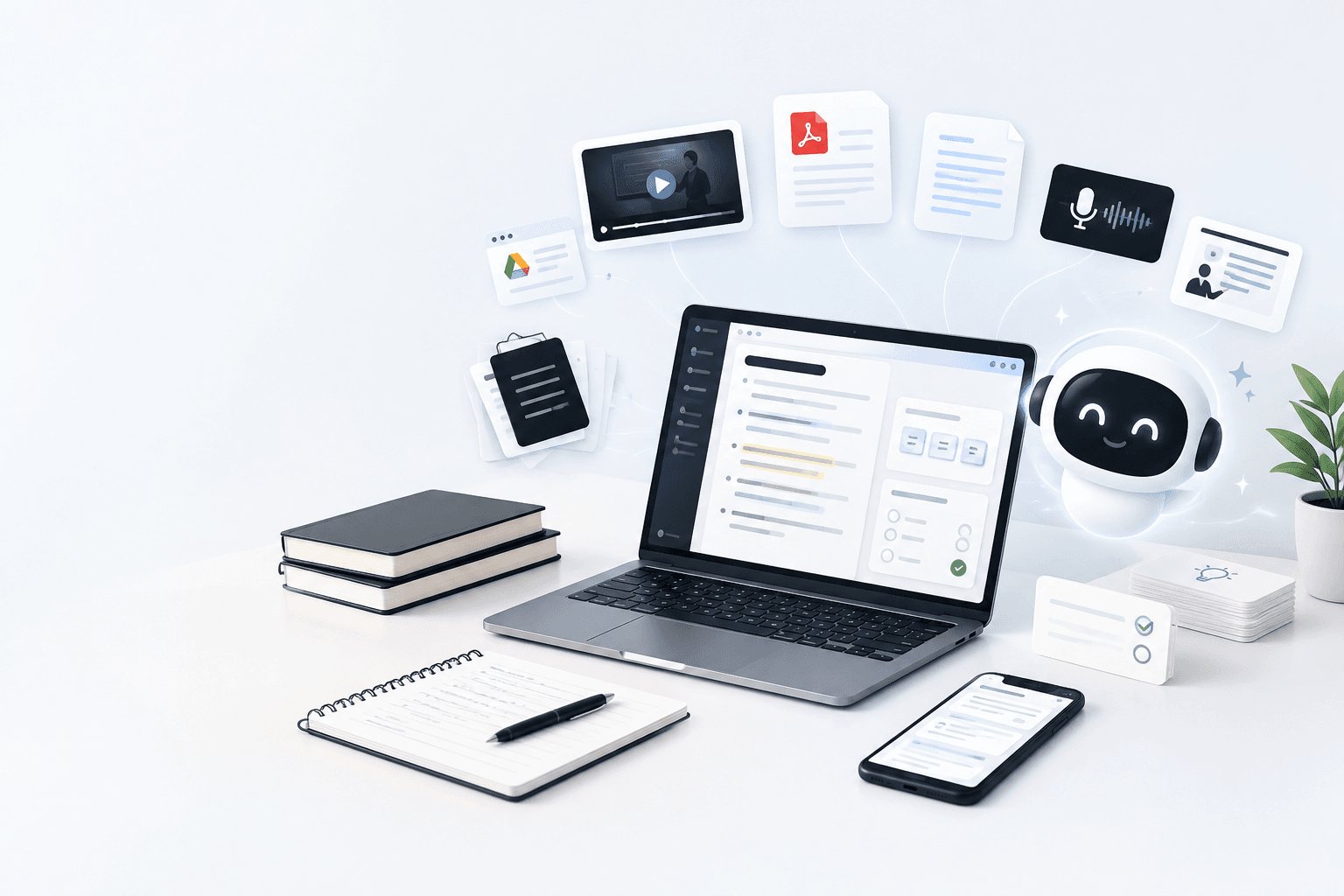
Notes AI tools transform how you extract information from video lectures, PDFs, and recorded audio by automatically generating organized study materials in seconds. If you're tired of pausing and rewinding videos or rereading dense textbook chapters to capture key points, this tutorial walks you through exactly how to use notes AI to convert any learning source into structured, searchable study guides.
What Is Notes AI and How Does It Work?
Notes AI uses natural language processing to scan, transcribe, and summarize content from multiple input formats, extracting key concepts and organizing them into digestible outlines. The software listens to spoken words in video lectures, reads text from uploaded PDFs, and processes voice recordings to identify main ideas, definitions, and supporting details automatically.
Most notes AI platforms follow a similar workflow: you upload or link to your source material, the AI processes the content in the background, and within minutes you receive structured notes complete with headings, bullet points, and highlighted terms. Advanced systems also generate flashcards and quizzes from the same material, letting you move from passive content consumption to active retrieval practice without manually typing a single sentence.
Why Video to Notes AI Saves Hours Every Week
Video to notes AI eliminates the stop-start cycle of traditional lecture note-taking by transcribing and summarizing an entire hour-long recording while you focus on understanding the material. Students who manually transcribe lectures spend an average of two to three times the lecture length just writing notes, whereas AI tools deliver organized summaries in under five minutes.
This speed advantage compounds across a full semester. If you attend four lecture courses weekly, switching to video to notes AI frees up six to eight hours per week that you can redirect toward practice problems, retrieval practice, or deeper review. The AI also captures details you might miss in real time, ensuring your study guide reflects everything the instructor covered rather than only the points you had time to scribble down.

Step 1: Choose Your Notes AI Tool
Select a platform that supports the specific input formats you use most often, whether that's YouTube links, MP4 files, PDFs, or live lecture recordings. Study Slay handles all of these formats in one interface, accepting YouTube videos, uploaded files, and even scanned documents without requiring separate conversions or preprocessing steps.
Check whether the tool offers a free tier or trial period so you can test its summarization quality before committing. Many video to notes AI free options impose limits on processing time or the number of uploads per month, so compare those caps against your actual course load to avoid running out of quota mid-semester.
Step 2: Upload or Link Your Video Lecture
Paste the URL of your lecture video directly into the platform if it's hosted on YouTube, Vimeo, or another public site, or upload an MP4 or MOV file if you recorded the lecture yourself. Most tools process links faster than uploaded files because they stream the audio rather than waiting for a full file transfer, cutting processing time by 30 to 50 percent.
If your instructor posts lectures behind a learning management system login, download the video file first and then upload it to your notes AI tool. Some platforms also let you paste a Zoom recording link or Google Drive share URL, expanding your options beyond manual downloads.
How Does Lecture to Notes AI Handle Different Subjects?
Lecture to notes AI adapts to discipline-specific vocabulary by recognizing technical terms, formulas, and jargon common in STEM, humanities, and professional fields. The AI learns context from surrounding sentences, so when a biology professor says "mitochondria," the tool correctly identifies it as an organelle definition rather than generic speech.
In math-heavy courses, look for platforms that preserve equations and symbols during transcription. Some tools convert spoken formulas into LaTeX or image captures, while others simply note that an equation was presented without rendering it, requiring you to cross-reference the original video. Clinical notes AI systems designed for medical students often include drug names, anatomy terms, and diagnostic criteria in their specialized dictionaries, reducing transcription errors in pharmacy and nursing lectures.
Step 3: Review and Edit the AI-Generated Transcript
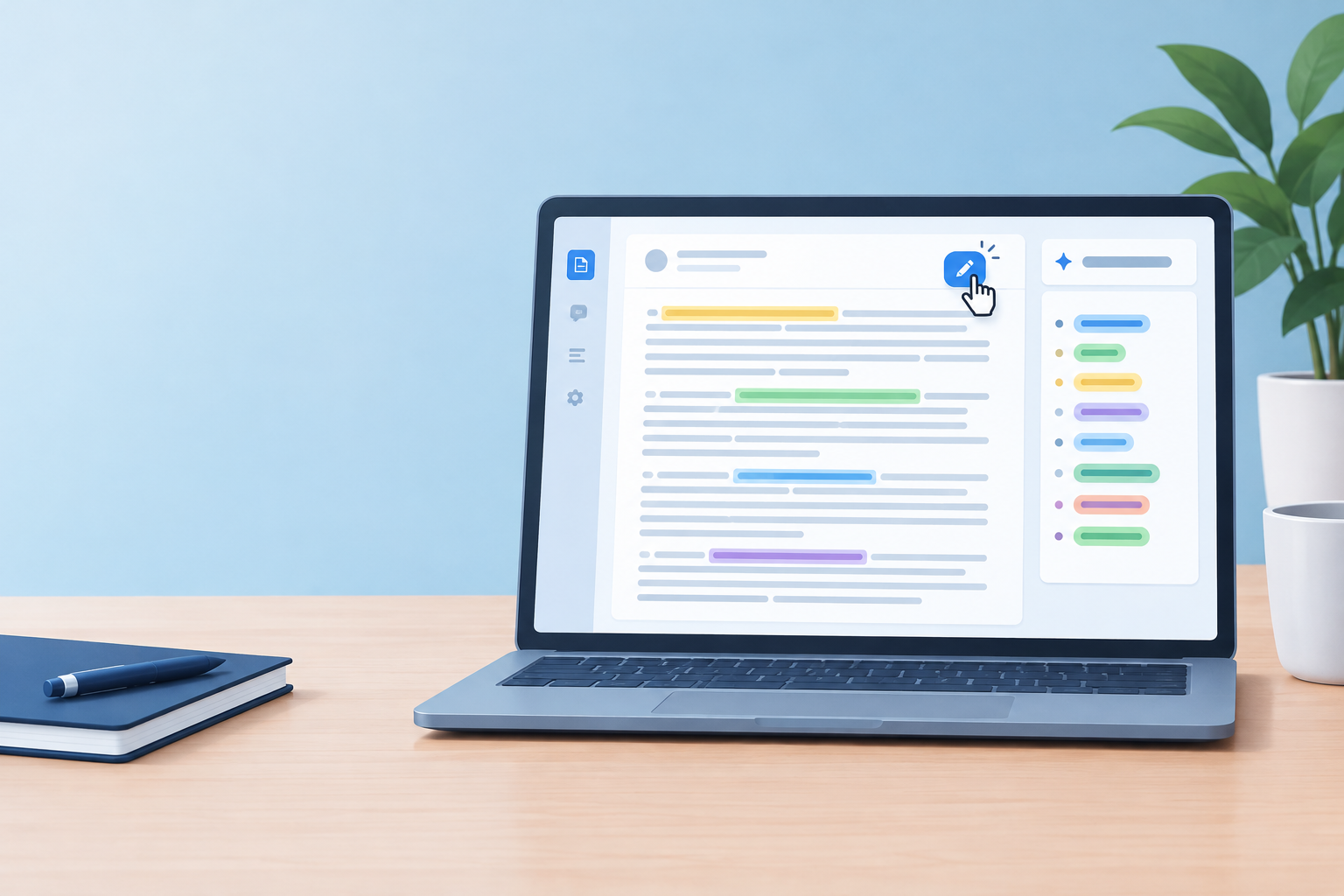
Scan the transcript for misheard words or technical terms the AI flagged as uncertain, correcting them before you generate the final summary. Common errors include homophone substitutions like "principal" versus "principle" or unfamiliar proper nouns that the system guessed phonetically.
Most platforms highlight low-confidence words with a different color or underline, letting you jump to problem areas without reading the entire transcript line by line. Fixing these mistakes now prevents them from propagating into your flashcards and quizzes later, saving you from memorizing incorrect information.
Step 4: Generate Structured Notes from the Transcript
Click the summarize or generate notes button to transform the raw transcript into a hierarchical outline with main topics, subtopics, and supporting details. The AI identifies section breaks by detecting topic shifts, instructor cues like "next, we'll cover," and changes in speaking pace or tone.
The resulting document groups related concepts under descriptive headings, making it easy to scan for specific information during review. You can adjust the level of detail in many tools, choosing between a concise one-page summary or a comprehensive outline that retains more of the original lecture's nuance.
Can You Use PDF to Notes AI for Textbook Chapters?
PDF to notes AI extracts text from digital textbooks, scanned readings, and journal articles, then summarizes each section into bulleted key points just as it would for a video lecture. Upload your chapter PDF, and the tool reads through the document, identifying headings, bolded terms, and figure captions to construct a logical summary.
This approach works especially well for dense academic papers where you need to pull out methodology, results, and conclusions without reading every paragraph. For scanned PDFs or image-based files, the AI performs optical character recognition first, converting pictures of text into machine-readable characters before summarizing. If you regularly study from PDF textbook chapters, look for platforms that handle both native digital text and OCR seamlessly.
| Input Type | Processing Method | Typical Processing Time |
|---|---|---|
| YouTube video link | Audio extraction and transcription | 2 to 5 minutes per hour of video |
| Uploaded MP4 or MOV file | Audio extraction and transcription | 3 to 6 minutes per hour of video |
| Digital PDF (text-based) | Direct text extraction and summarization | 1 to 2 minutes per 20-page chapter |
| Scanned PDF (image-based) | OCR followed by summarization | 3 to 5 minutes per 20-page chapter |
| Voice recording (MP3, M4A) | Transcription and summarization | 2 to 4 minutes per hour of audio |
Step 5: Turn Notes into Flashcards and Quizzes
Use your platform's built-in flashcard generator to convert key terms and definitions from your AI notes into spaced-repetition cards automatically. Study Slay creates flashcards and quizzes from the same source material, letting you move from passive reading to active recall without switching tools or manually typing questions.
The AI identifies discrete facts, formulas, and concepts that lend themselves to question-and-answer format, then generates prompts like "What is the function of X?" or "Define Y in the context of Z." You can edit these cards to add images, adjust wording, or combine related prompts before you start studying, tailoring the deck to your learning style and exam format.
What Are the Best Voice Notes AI Tools for Live Lectures?
Voice notes AI tools record in-person or live online lectures in real time, transcribing as the instructor speaks and flagging key moments for later review. Look for apps that run on your phone or laptop, capture clear audio even in large lecture halls, and sync the transcript with timestamps so you can jump back to any point in the recording.
Some students use dedicated voice recorder apps that integrate with their notes AI platform, while others rely on all-in-one solutions that record, transcribe, and summarize within a single interface. If you plan to record live, verify that your institution permits lecture recording and that your tool respects speaker privacy by keeping files local or encrypted during upload.
How Do You Find Video to Notes AI Free Options?
Video to notes AI free tiers typically limit monthly uploads, processing minutes, or the number of generated flashcard sets, making them ideal for one or two courses rather than a full-time course load. Compare the free allowances across platforms to see which aligns with your usage: some tools cap you at three videos per month, while others limit total processing time to 60 minutes regardless of how many files you upload.
Trial periods on premium plans often unlock unlimited processing for 7 to 14 days, letting you batch-process an entire unit or exam block before the trial expires. If you coordinate your trial timing with high-stakes study periods, you can access advanced features like custom quiz generation and chat-based Q&A without paying for a subscription you'll only use intermittently.
Step 6: Organize and Tag Your AI Notes Library
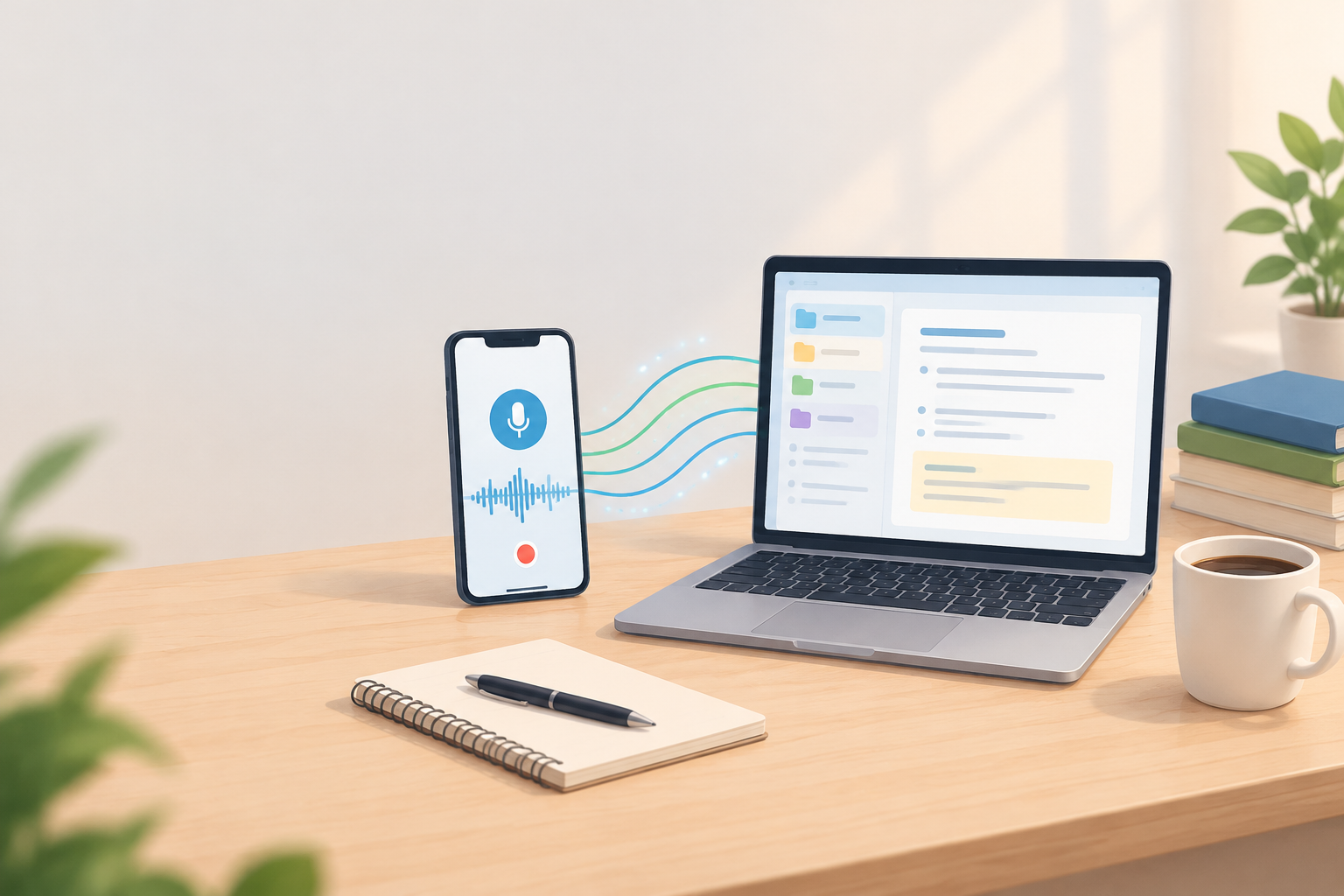
Create folders or tags by course, unit, or topic so you can locate specific notes instantly when preparing for exams or writing papers. Consistent naming conventions, like "BIOL 101 Week 3 Lecture" or "Chapter 5 Cell Metabolism," prevent the chaos of hunting through dozens of untitled documents days before a final.
Many platforms let you add custom tags or labels, such as "high priority," "exam focus," or "needs review," which you can filter by during study sessions. This metadata layer turns your notes library into a searchable knowledge base, especially useful if you accumulate hundreds of documents over multiple semesters.
Can You Chat with Your Notes AI for Quick Answers?
Chat-based AI features let you ask natural-language questions about your uploaded material and receive instant answers pulled directly from your notes, transcripts, and PDFs. Instead of skimming through a 30-page summary to find one definition, you type "What does the professor say about receptor binding?" and the AI surfaces the relevant paragraph with a citation pointing you to the exact timestamp or page.
This conversational interface works best for clarifying confusing points, comparing concepts across multiple lectures, or generating practice questions on demand. Study Slay's AI chat feature references everything you've uploaded, so the answers stay grounded in your actual course content rather than generic internet information that might not match your instructor's emphasis.
Frequently Asked Questions
Is notes AI accurate enough to replace manual note-taking?
Notes AI achieves high accuracy on clear audio and well-formatted PDFs, but you should always review the output to catch subject-specific jargon or technical terms the system might mishear. Treat AI-generated notes as a strong first draft that saves you hours of typing, then spend a few minutes correcting errors and adding personal annotations rather than relying on the raw output without verification.
Can I use notes AI for group study sessions or recorded discussions?
Yes, upload a recording of your study group or discussion section and the AI will transcribe and summarize the entire conversation, identifying key points and unresolved questions. This works especially well for review sessions where multiple students contribute insights, letting everyone benefit from a shared summary without one person bearing the full note-taking burden.
What happens if my lecture video has poor audio quality?
Poor audio quality increases transcription errors, so the AI may produce garbled text or miss entire sentences in sections with background noise or muffled speech. If you know your lecture hall has echo or your instructor speaks quietly, use a dedicated microphone or recorder placed closer to the speaker, then upload that higher-quality file instead of relying on a distant laptop mic.
Do notes AI tools work offline or require an internet connection?
Most notes AI platforms process content on remote servers, requiring an active internet connection to upload files and generate summaries. A few mobile apps offer offline recording with local storage, syncing and processing once you reconnect, but real-time transcription and summarization almost always need cloud access to run the language models efficiently.