
Features · AI Chat
Ask your notes, get a cited answer
Leo, the Study Slay assistant, answers questions from your note and its sources, points to the section the answer came from, and tells you plainly when something is not in your material.

- Answers cite the section
- Says when it is beyond your notes
- Explain simpler, worked example, quiz me
- Five messages a day free, unlimited on Pro
What you get
A tutor who has read exactly what you have
Leo answers from your note and the text extracted from its sources, not from the internet. Every claim is followed by where it came from in parentheses, such as the section heading of the notes or the lecture transcript, so you can open the passage and check it yourself.
When the material does not cover a question, Leo says so in one sentence and then gives a short general answer marked Beyond your notes, so you always know which part is grounded in your course and which is background knowledge.
Ask in any language and the answer comes back in it. Ask for a simpler explanation and you get plain words, one analogy and then the precise version. Ask to be quizzed and Leo asks one question at a time and waits for your answer. Ask for a study plan and it uses the daily goal you set during onboarding.
How it works
Three steps, no setup
01
Open a note and ask
The chat sits next to the notes on desktop and behind a button on your phone. Start with a suggestion chip or type your own question.
02
Read the answer and its source
Answers are short and specific, with the section they rely on named in parentheses. Light formatting only: a bold term, a short list, a formula where needed.
03
Keep the conversation going
Leo remembers the recent turns in that note, so follow-ups work. The history is saved with the note and synced across your devices.
In detail
What makes it good
Grounded
Your material, cited
Answers come from the note and its sources, with the section named, at most two citations per answer and never an invented one.
Honest
Beyond your notes, labelled
General knowledge is allowed, but it is marked as such so it never gets mistaken for something the lecturer said.
Modes
Simpler, example, quiz me, plan
Four ways to work with the same material, each with its own style of answer.
Languages
Ask in your language
Leo answers in the language you write in, and in the language of the notes by default.
Safe
Instructions in files are ignored
Text inside uploaded material that tries to steer the assistant is treated as content, never as a command.
Private
Nothing is used for training
Chats are stored only with your note and are never used to train AI models.
Why it matters
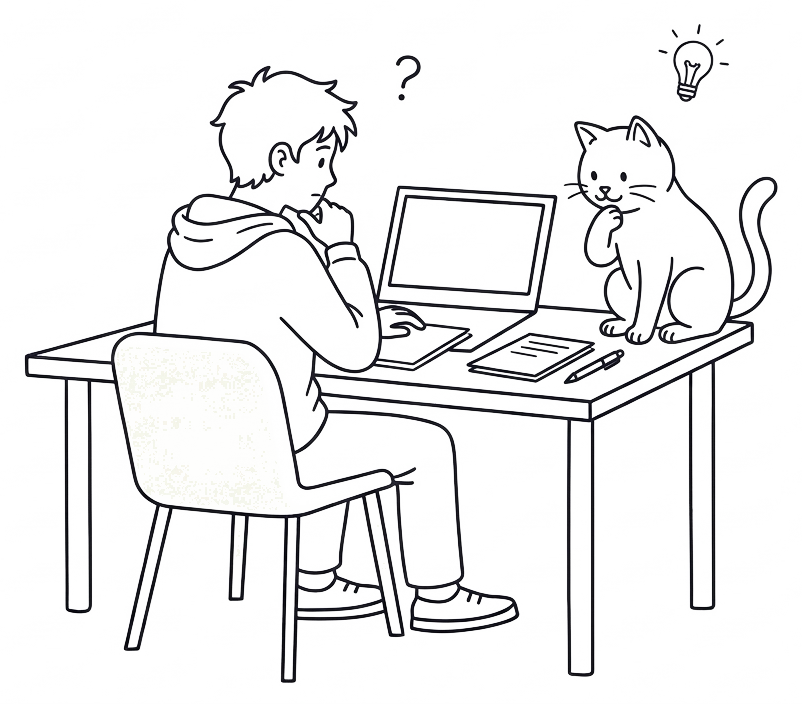
Questions are how understanding happens
- 1.Reading is passive. Asking why, and checking the answer against the source, is how a fact becomes something you can use.
- 2.A simpler explanation followed by the precise one is the shape of good teaching, and you can ask for it as often as you like.
- 3.Being quizzed one question at a time, with the answer held back, turns chat into retrieval practice.
- 4.Free plan: five messages a day across all notes. Pro: unlimited.
Questions
Questions, answered
Anything else? Write to us from the help page and a person answers.
No. Leo answers from your note and the text of its sources. When your material does not cover the question, it says so and adds a short general answer marked Beyond your notes.
Yes, like any AI assistant. That is why every answer cites the section it relied on: open it and check. If a citation looks off, ask again more specifically.
Five a day on the free plan, counted across all your notes, and unlimited on Pro.
Within a note, yes: the recent turns of that conversation are sent along, and the full history is saved with the note. Conversations are separate per note.
Leo is built to help you understand your own material, not to produce work you hand in. Use it to learn, and follow your institution's academic integrity rules.
No. They are stored with your note so you can continue them, and are deleted with the note or your account.
Explore