note generator · 9 min read
Note Generator Tools: Turn Any Content into Study Materials
Learn how a note generator automates study material creation. Step-by-step guide to AI note generators for students, plus creative and music note tools.
Published November 14th, 2026 · Study Slay team
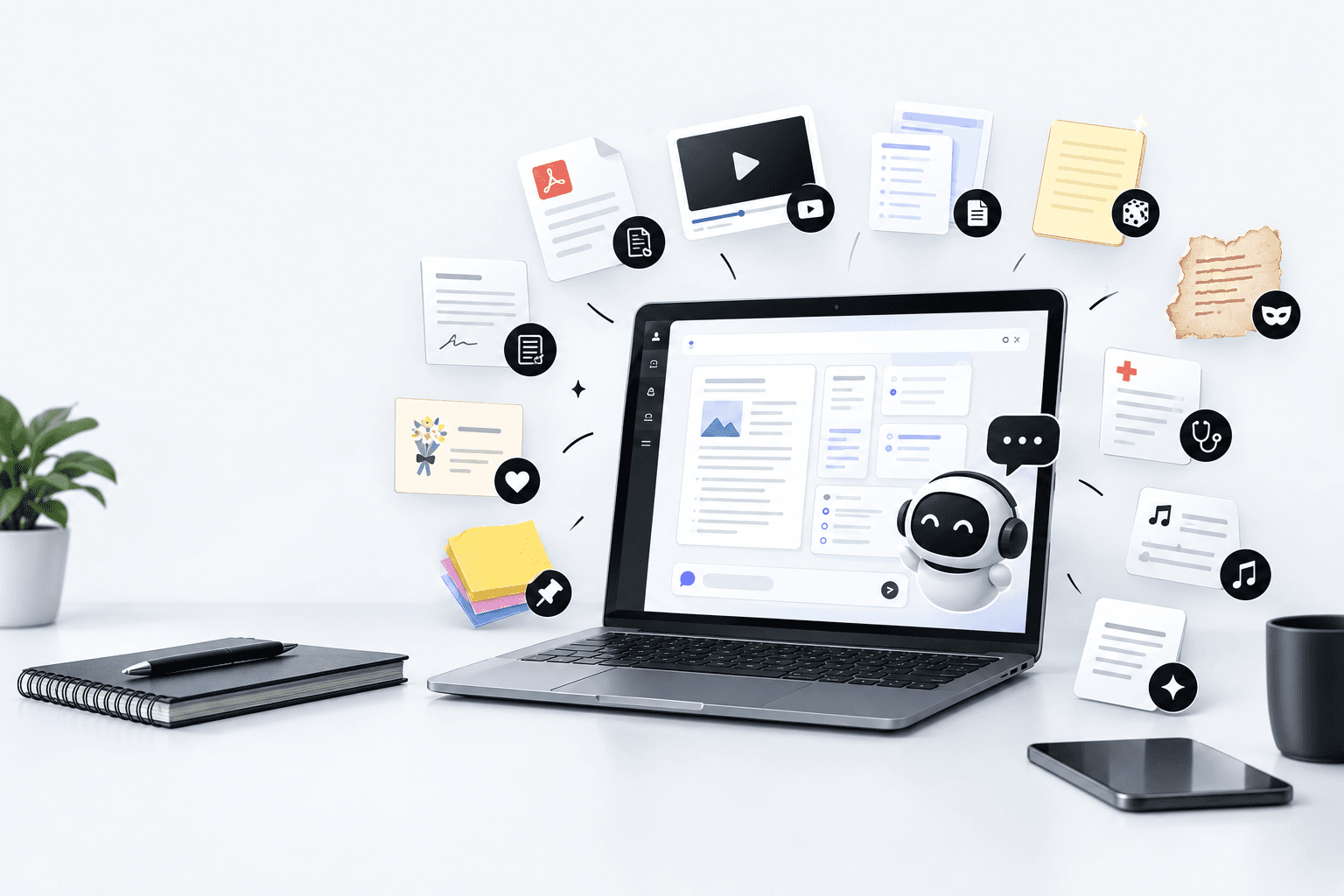
A note generator transforms raw content into structured study materials in seconds, saving hours of manual rewriting and formatting. This guide walks you through exactly how to use AI-powered note generators for academic success, plus specialized tools for creative and musical applications.
What Is a Note Generator?
A note generator is software that automatically extracts key information from source material and organizes it into digestible study formats. These tools analyze lectures, PDFs, videos, and documents to produce summaries, outlines, bullet points, and flashcards without manual transcription.
AI note generators use natural language processing to identify main concepts, definitions, and relationships within content. The technology recognizes patterns in academic material that signal importance: repeated terms, structural cues like numbered lists, and contextual markers that distinguish core principles from supporting examples.
How to Use an AI Note Generator: Step-by-Step Tutorial
Using a note generator follows a consistent workflow regardless of your source material. Follow these steps to turn any content into usable study resources.
Step 1: Choose Your Source Material
The first step is selecting the content you want to convert. AI note generators accept multiple input types: recorded lectures, PDF textbooks, YouTube educational videos, PowerPoint slides, and Word documents. Gather your material in digital format before beginning, ensuring files are readable and audio is clear enough for transcription if working with recordings.
For best results, use complete sources rather than fragments. A full lecture recording produces more coherent notes than a five-minute clip because the AI can identify the overall structure and main themes across the entire session.
Step 2: Upload or Link Your Content
Most platforms offer direct file upload or URL pasting. For recorded lectures, drag audio or video files into the upload zone. For PDFs, select the file from your device. YouTube videos typically require pasting the video URL into a designated field.
Study Slay accepts all these formats on a single platform, processing lectures, PDFs, and videos through one interface. This eliminates the need to switch between multiple tools for different content types.

Step 3: Select Output Format
Decide what type of study material you need before processing begins. Common output formats include structured outlines, bullet-point summaries, flashcards, practice quizzes, and detailed notes with headings. Each format serves a different study purpose: outlines provide overview, flashcards enable active recall, and quizzes test retention.
Many note generators let you generate multiple formats from the same source simultaneously. You might create both flashcards and a summary from one lecture recording, giving you tools for initial learning and later review.
Step 4: Process and Generate Notes
Click the generate or process button to start the AI analysis. Processing time varies by content length and type, ranging from seconds for short PDFs to a few minutes for hour-long lecture videos. The AI transcribes audio if needed, identifies key concepts, and structures information according to your chosen format.
During processing, the system highlights definitions, categorizes topics, and links related concepts. This automated organization creates a logical flow that mirrors how information should be learned, moving from foundational ideas to complex applications.
Step 5: Review and Edit Generated Notes
Always review AI-generated output for accuracy and completeness. Check that technical terms are spelled correctly, formulas are intact, and context is preserved. Add your own annotations, clarify confusing points, and remove irrelevant tangents the AI may have included.
This editing phase is where you personalize generic output into material that matches your learning style. Rephrase explanations in your own words, add examples from class discussions, and highlight sections that historically give you trouble on exams.
Step 6: Export or Study Directly
After editing, either export notes to your preferred format or begin studying within the platform. Export options usually include PDF, Word document, plain text, or integration with other study apps. Alternatively, use built-in study features like AI chat to ask questions about your notes or spaced repetition tools for flashcard review.
| Step | Action | Time Required |
|---|---|---|
| 1 | Gather source material | 1-2 minutes |
| 2 | Upload or paste URL | 30 seconds |
| 3 | Select output format | 15 seconds |
| 4 | AI processing | 30 seconds to 3 minutes |
| 5 | Review and edit | 5-10 minutes |
| 6 | Export or study | Ongoing |
Why Should Students Use a Note Generator?
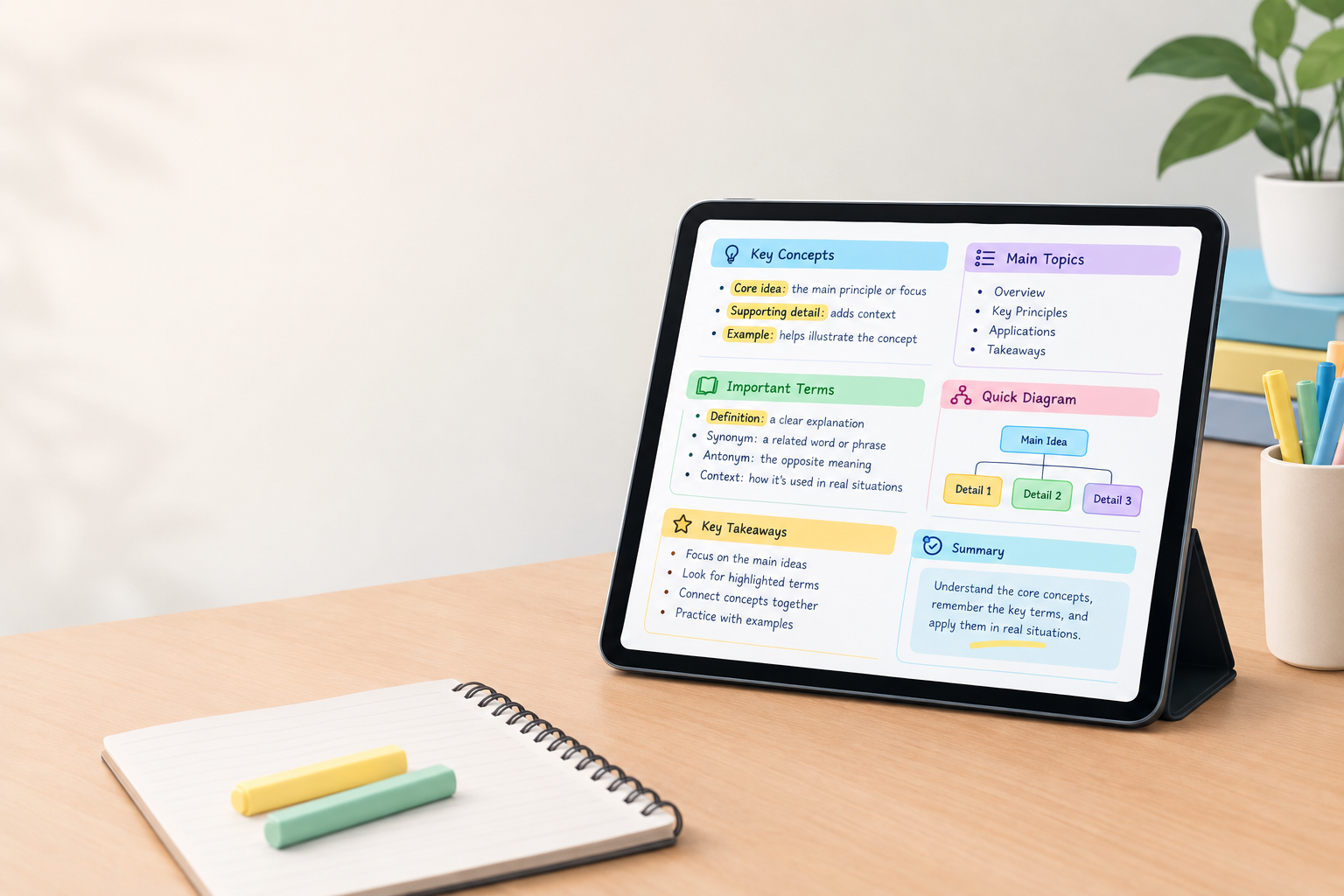
Students benefit from note generators because they reclaim time spent on mechanical transcription and redirect it toward active learning. Instead of copying lecture slides word-for-word, you engage with already-organized material through summarization, self-quizzing, and concept mapping.
The cognitive advantage is significant: working with structured notes forces retrieval practice from day one. When you review AI-generated summaries and test yourself on automatically created flashcards, you engage in the exact study behaviors proven to strengthen long-term retention, rather than passively rereading raw transcripts.
What Types of Content Work Best With Note Generators?
Lecture recordings produce the richest results because they contain verbal explanations, examples, and instructor emphasis on key points. The AI captures not just facts but the teaching structure, which mirrors how you should organize your understanding.
PDF textbook chapters also perform well, especially when headings, subheadings, and bolded terms provide clear structural signals. Educational YouTube videos work effectively if they include narration rather than only on-screen text. PowerPoint slides need sufficient text per slide to provide context; image-heavy decks with minimal wording yield sparse notes. For comprehensive coverage, learn how to study from PDF textbook chapters using multiple AI tools together.
Random Note Generator: Creative and Specialized Uses
A random note generator serves entirely different purposes, typically for creative writing, design projects, or entertainment. These tools generate arbitrary text snippets, placeholder content, or stylized messages rather than structured study material.
Writers use random note generators for prompts and brainstorming exercises. Designers employ them to create realistic dummy text for mockups. The output is intentionally unpredictable, making it unsuitable for academic note-taking but valuable when you need varied, unexpected content to spark creativity or fill layout templates.
Music Note Generator Tools for Musicians
A music note generator creates musical notation, chord progressions, or melody suggestions for composers and students learning music theory. These specialized applications analyze scales, harmonic rules, and rhythm patterns to produce playable sequences.
Musicians training ear recognition or studying composition theory use these generators to practice sight-reading and chord identification. The tools output standard notation or MIDI data, enabling integration with digital audio workstations. While unrelated to academic note-taking, music note generators apply similar AI pattern recognition to a different domain, identifying relationships between pitches and intervals the way study tools identify relationships between concepts.
How Do AI-Powered Note Generators Compare to Manual Note-Taking?
AI-powered tools process an hour-long lecture in minutes, while manual note-taking requires real-time attention and often leads to incomplete coverage if the speaker moves quickly. The automation guarantees no missed points, whereas handwritten notes reflect only what you caught in the moment.
Manual note-taking does offer deeper initial encoding because the act of writing engages motor memory and forces immediate summarization. The ideal approach combines both: let the AI capture comprehensive detail, then engage actively by annotating, reorganizing, and testing yourself on the generated material. This hybrid method delivers complete coverage and cognitive engagement without the stress of trying to transcribe everything live during class. Turning lecture recordings into notes through AI creates the foundation for deeper manual review.
Frequently Asked Questions About Note Generators
Can a note generator work with handwritten lecture notes?
A note generator cannot directly process handwritten notes unless you first digitize them through scanning and optical character recognition (OCR). Once converted to searchable text via OCR software, you can upload the resulting document to an AI note generator for summarization and organization. Image files of handwriting without OCR remain unreadable to text-based AI tools.
How accurate are AI note generators for technical subjects?
AI note generators handle technical subjects well when the source material clearly defines terms and uses consistent notation. Accuracy drops if audio quality is poor, jargon is highly specialized without context, or formulas are spoken aloud without visual reference. Always verify equations, chemical structures, and discipline-specific terminology during your review step to catch any transcription errors or misinterpretations.
Do note generators replace the need to attend lectures?
Note generators do not replace lecture attendance because live participation enables real-time questions, instructor clarifications, and peer discussion that recordings cannot capture. The tools supplement attendance by ensuring you have complete, organized reference material afterward, freeing you to focus on understanding during class rather than frantic transcription. Use the generator to review and study, not as a substitute for active classroom engagement.
Can I use a note generator for group study sessions?
You can absolutely use a note generator for group study by recording your study session and processing it afterward to capture collective insights, questions, and explanations. Share the generated notes with all participants so everyone benefits from the discussion points identified by the AI. This approach creates a collaborative study resource that reflects multiple perspectives and fills individual knowledge gaps.
Are there note generators that create quizzes automatically?
Many modern note generators include automatic quiz creation as part of their feature set. After processing your content, these platforms generate multiple-choice, true/false, or short-answer questions based on key concepts identified in the material. Study Slay creates AI-powered quizzes alongside notes and flashcards, giving you immediate practice tools from the same source content without additional manual effort.
Getting Started With Your First Note Generator Project
Start small with a single recorded lecture or one PDF chapter to familiarize yourself with the workflow before processing your entire course load. Choose material you already understand moderately well for your first attempt, so you can easily evaluate output quality and identify where the AI excels or needs your editing input.
Once comfortable with the basic process, expand to multiple content types and experiment with different output formats to discover which combinations work best for your learning style. Some students prefer detailed outlines for reading-heavy subjects but flashcards for memorization-intensive courses. Building this personalized system early in the semester pays dividends when exam preparation begins. Explore the full range of AI notes features available to optimize your workflow across different course requirements.
Note generators transform passive content consumption into active study preparation, giving you structured, searchable materials in minutes rather than hours. By following this step-by-step tutorial and integrating AI tools into your regular study routine, you shift focus from mechanical transcription to meaningful engagement with course concepts, ultimately improving both efficiency and retention.