note taking website · 12 min read
Note Taking Website Guide: Best Platforms for Every Student
Find the best note taking website for your needs, from free and aesthetic options to AI-powered and math-focused platforms. Compare features and pricing.
Published November 16th, 2026 · Study Slay team
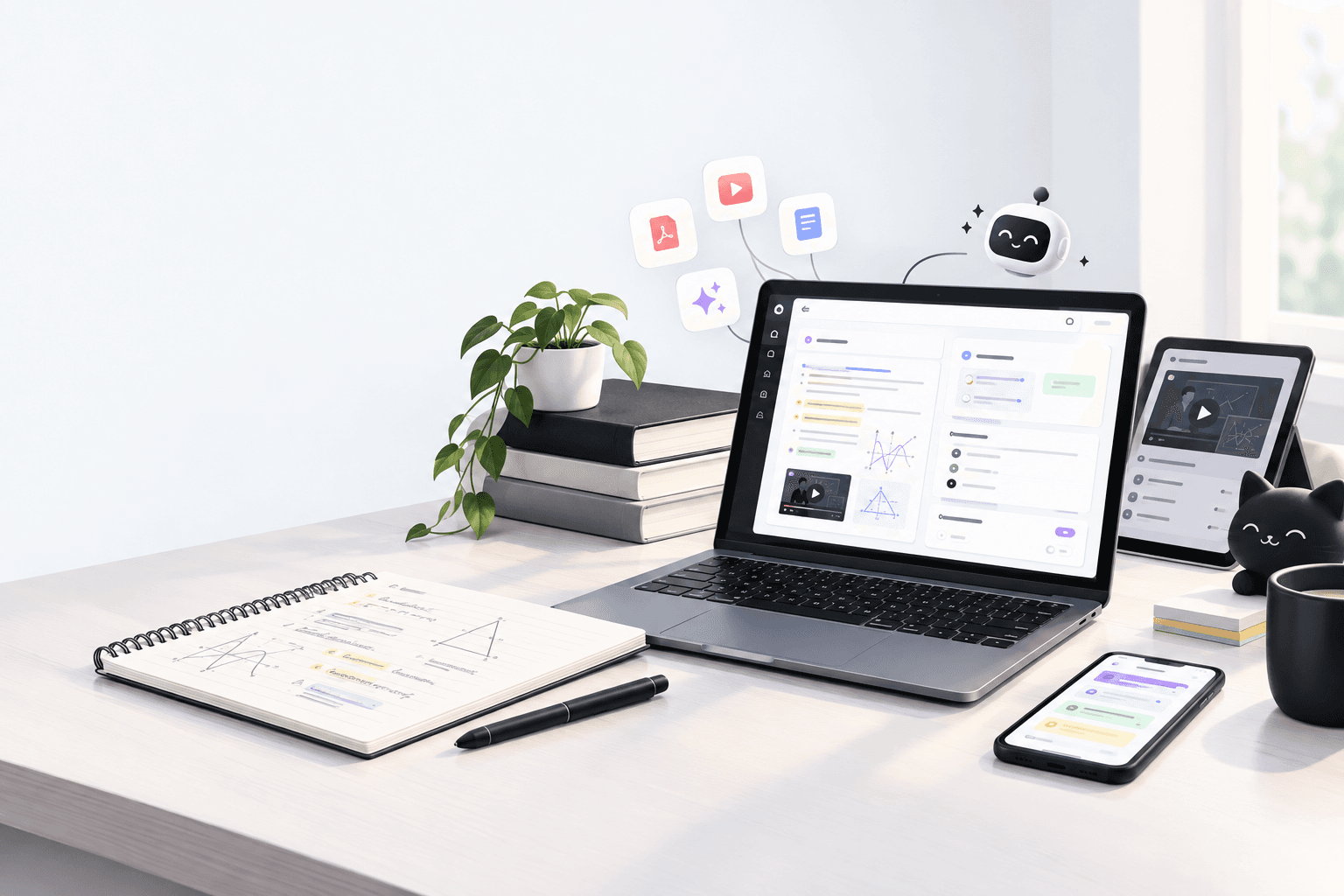
Finding the right note taking website can transform your study routine from chaotic scribbles into an organized, searchable knowledge base. Whether you need a free platform with collaborative features, an aesthetic workspace that makes studying enjoyable, or AI-powered tools that turn your lectures into structured notes, this guide walks you through the best options tailored to your specific needs and budget.
What Makes a Note Taking Website Worth Using?
A note taking website worth using offers cloud sync across all your devices, intuitive organization systems, and features that match how you actually study. The platform should let you access notes from your laptop during class, review them on your phone during your commute, and study from your tablet at the library without ever worrying about losing data or manually transferring files.
Beyond basic text entry, look for tools that support your specific study materials. If you're uploading lecture recordings, transcription features save hours of manual typing. If you're working from PDFs, annotation capabilities let you highlight and comment directly on the source. For science and math students, equation editors and diagram support are non-negotiable.
How to Choose the Best Note Taking Website for Students
Start by identifying which source materials you work with most often: live lectures, pre-recorded videos, textbook PDFs, or web articles. Platforms like Study Slay specialize in converting these raw inputs into structured notes automatically, while traditional note-taking sites expect you to type or write everything manually.
Next, evaluate your collaboration needs. Group projects and study groups benefit from real-time editing and shared workspaces. Solo learners might prioritize personal organization features like tags, folders, and powerful search instead. Budget matters too: many excellent free note taking website options exist, though premium tiers often unlock AI features, unlimited storage, and offline access.
| Feature Category | Best For | Key Benefit |
|---|---|---|
| AI transcription & note generation | Lecture-heavy courses | Saves hours of manual typing |
| PDF annotation tools | Reading-intensive subjects | Keeps notes tied to source material |
| Math equation editors | STEM students | Clean rendering of formulas |
| Aesthetic templates & themes | Visual learners | Makes studying more engaging |
| Flashcard & quiz creation | Active recall practice | Built-in study tool integration |
Which Free Note Taking Websites Offer the Most Value?
Free note taking website options have come a long way from basic text editors. Several platforms offer genuinely useful free tiers that include cloud sync, mobile apps, and decent storage limits without paywalls blocking essential features.
Notion provides a generous free plan with unlimited pages and blocks, making it popular for students who want flexibility in how they organize information. Google Keep excels at quick capture and simple lists, syncing instantly across Google accounts. For students who need more structure, Evernote's free tier still allows notes, web clipping, and cross-device sync, though it limits you to two devices and 60MB of monthly uploads.
When evaluating free options, check what happens when you hit storage limits. Some platforms lock you out until you delete content or upgrade, while others simply stop syncing new notes. Also verify whether the free tier includes the features you actually need: if you rely on PDF annotation or offline access, make sure those aren't premium-only.
What Should You Expect from Free Tier Limitations?
Free tier limitations typically appear in three areas: storage caps, device limits, and feature restrictions. Storage caps range from 60MB per month (restrictive if you upload images or PDFs regularly) to unlimited text notes with file upload limits. Device limits mean you might only sync between your laptop and phone, forcing you to choose which devices get access.
Feature restrictions often hide the most useful capabilities behind premium tiers. AI-powered features like automatic note generation, smart search, and chatbot assistants almost always require paid plans. Collaboration features may be free for small teams but require upgrades for larger study groups. Understand these boundaries before committing your semester's notes to a platform that might frustrate you halfway through.

Where Can You Find Aesthetic Note Taking Website Options?
Aesthetic note taking website platforms prioritize visual design alongside functionality, offering customizable templates, color schemes, and typography that make studying feel less like a chore. These platforms recognize that a workspace you enjoy looking at encourages you to spend more time engaging with your notes.
Notion leads this category with its block-based system that lets you create custom page layouts combining text, images, tables, and embedded content. Users share elaborate templates styled like digital bullet journals. Obsidian offers theme customization through community plugins, letting you adjust everything from font choices to accent colors. For students who want pre-made cute note taking website aesthetics without extensive customization, platforms like GoodNotes and Notability provide beautifully designed templates optimized for tablet note-taking.
Do Aesthetic Features Actually Help You Study Better?
Aesthetic features help you study better when they reduce friction and make you want to open your notes more often. Color-coding different subjects or topic types creates visual memory cues that aid recall during exams. Clean, readable typography reduces eye strain during long study sessions. Templates that match your workflow mean you spend less time formatting and more time actually processing information.
The risk comes when aesthetics become procrastination: spending hours perfecting color schemes or hunting for the perfect template instead of studying. The most effective approach treats aesthetic customization as a one-time setup that then fades into the background, supporting your work without demanding constant attention.
How Do AI Note Taking Websites Transform Your Study Process?
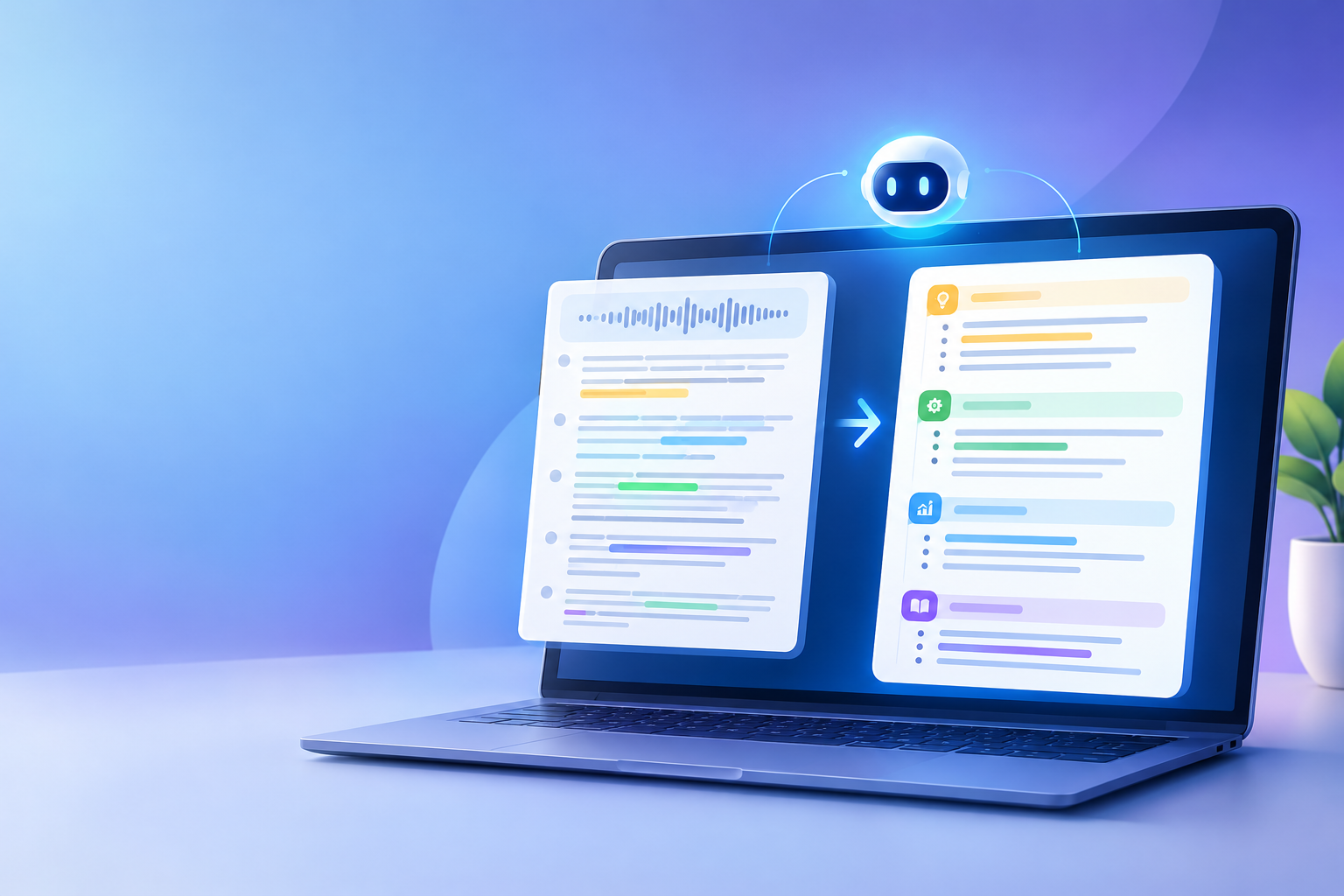
An ai note taking website automates the most time-consuming parts of studying by converting raw source materials into structured, searchable notes without manual transcription. Upload a lecture recording and receive a formatted outline with key concepts highlighted. Drop in a PDF textbook chapter and get summarized notes organized by section.
Study Slay's AI notes feature exemplifies this approach by processing lectures, videos, PDFs, and documents into organized notes that you can then refine and study from. The platform also generates flashcards and quizzes from your materials automatically, connecting note-taking directly to active practice.
AI chat features let you ask questions about your notes in natural language. Instead of manually searching through weeks of content, you can ask "What were the three main causes of the Industrial Revolution discussed in Week 5?" and get an immediate answer pulled from your uploaded materials. This conversational interface turns your notes into an interactive study partner rather than a static reference document.
What Are the Limitations of AI-Generated Notes?
AI-generated notes can miss nuance, especially in discussions with complex arguments or subjects requiring interpretation rather than factual recall. The AI summarizes what was said but may not distinguish between a professor's main argument and a tangential example. You still need to review and annotate AI-generated notes, adding your own connections and clarifications.
Accuracy varies by audio quality and subject complexity. Clear recordings of well-structured lectures produce excellent results. Mumbled discussions with heavy accents or discipline-specific jargon may contain transcription errors that propagate into the notes. Always verify AI output against your own understanding, treating it as a powerful first draft rather than a finished product.
Which Math Note Taking Websites Support Technical Subjects?
Math note-taking websites need robust equation editors that render LaTeX or offer visual formula builders, plus support for diagrams and graphs. Typing out equations in plain text creates unreadable messes; proper rendering makes review and study possible.
Notion supports inline LaTeX equations using the $$...$$ syntax, making it workable for students comfortable with LaTeX commands. Obsidian offers similar LaTeX support through its Markdown engine. For students who prefer graphical input, OneNote's built-in equation editor lets you draw equations by hand on a tablet or build them with a visual interface. Overleaf specializes entirely in LaTeX documents, popular among physics and engineering students writing lab reports alongside their notes.
Check whether the platform's equation support extends to mobile apps. Many sites offer full equation editing on desktop but only display (not edit) on mobile, limiting your ability to add quick corrections or examples while studying on the go.
Can You Handwrite Math Notes on an Online Note Taking Website?
You can handwrite math notes on an online note taking website if the platform supports stylus input and converts handwriting to searchable text or preserves it as ink. GoodNotes and Notability excel here, designed specifically for iPad users who want to write equations naturally while keeping everything cloud-synced.
Microsoft OneNote offers solid handwriting support across Windows tablets and iPads, with optical character recognition that makes handwritten notes searchable. The key advantage: you maintain the speed and flexibility of writing complex equations by hand while gaining the organization and search capabilities of digital notes.
What Features Do DnD Note-Taking Websites Prioritize?
A dnd note-taking website prioritizes campaign management features like character tracking, world-building databases, timeline organization, and linking between related notes. Dungeon Masters juggle NPCs, locations, plot threads, and session summaries across months or years of gameplay, requiring specialized organization beyond standard note-taking.
Notion has become popular in the tabletop RPG community because its database features let you create interconnected wikis: a character database linking to session notes, location pages referencing historical events, and quest logs tracking story arcs. World Anvil and Kanka specialize entirely in worldbuilding and campaign management, offering templates specifically for fantasy settings, faction tracking, and relationship maps.
The advantage of using a general note taking website for DnD versus a specialized tool comes down to flexibility. General platforms let you customize exactly how you organize information but require more setup. Specialized tools offer ready-made structures but may feel rigid if your campaign doesn't fit their assumptions.

How Important Is Cross-Device Sync for Students?
Cross-device sync is essential for students because your study location and device availability change throughout the day. You take notes on your laptop during a lecture, review them on your phone between classes, and study from your tablet in the library. Without seamless sync, you waste time emailing files to yourself or recreating work.
The best platforms sync changes in real-time or within seconds, so edits made on one device appear immediately on another. Check whether sync works offline: can you add notes without internet access, with changes uploading automatically when you reconnect? This matters during flights, in buildings with poor reception, or anywhere reliable internet isn't guaranteed.
Also verify whether sync includes attachments and media. Some platforms sync text instantly but queue images and PDFs for later upload, creating version conflicts if you edit on multiple devices before everything finishes syncing.
Should You Choose a Specialized or General-Purpose Platform?
Choose a specialized platform when your workflow centers on a single, specific need that general tools handle poorly. Medical students studying anatomy benefit from platforms with built-in 3D model support and specialized flashcard algorithms. Language learners gain from tools integrating pronunciation guides and spaced repetition tailored to vocabulary.
General-purpose platforms work best when you study multiple subjects with different needs or want a single system for all your notes. Switching between five different specialized apps for five different classes creates organizational chaos. A flexible general platform lets you adapt organization and features per subject while keeping everything in one searchable location.
The hybrid approach uses a general platform as your central hub while connecting specialized tools for specific tasks. Keep all your notes in one place but export to a specialized quiz app for targeted practice, or link out to subject-specific reference tools as needed.
How Do You Migrate Notes Between Platforms?
Migrating notes between platforms requires export features that preserve formatting, attachments, and organizational structure. Most platforms offer export to standard formats like Markdown, HTML, or PDF, though the quality varies widely.
Before committing to a new platform, test the migration process with a sample notebook. Export from your current tool, import into the new one, and verify that headings, formatting, images, and links survived the transfer. Some platforms strip formatting during import, leaving you with plain text that requires extensive cleanup. Budget time for this: migrating years of notes isn't instantaneous, and rushing creates errors.
Frequently Asked Questions
What is the best note-taking website free option for college students?
The best note-taking website free option for college students depends on your primary materials and workflow. Notion offers the most flexibility with unlimited pages, databases, and collaboration. Google Keep works best for quick capture and simple lists. For students uploading lectures and PDFs, platforms with AI features offer free tiers that automate note generation from your source materials, saving significant time compared to manual transcription.
Can an online note taking website work offline?
An online note taking website can work offline if the platform includes offline mode in its mobile and desktop apps. OneNote, Notion, and Evernote all cache your recent notes locally, letting you view and edit without internet. Changes sync automatically when you reconnect. Verify offline support before relying on it for situations like flights or exam halls with restricted internet, and test that your specific device and app version actually cache the notes you need.
How secure are note taking websites for storing sensitive academic work?
Note taking websites secure your academic work through encryption during transfer and storage, though the level varies by provider. Most major platforms encrypt data in transit using HTTPS and at rest on their servers. Read the privacy policy to understand whether the company can access your notes, how long deleted notes remain recoverable, and whether they use your content to train AI models. For especially sensitive material, consider platforms offering end-to-end encryption where even the provider cannot decrypt your notes.
Do note taking website platforms integrate with other study tools?
Note taking website platforms increasingly integrate with other study tools through native features or third-party connections. Study Slay builds flashcards, quizzes, and AI chat directly into the note-taking workflow, eliminating the need to copy content between separate apps. Other platforms offer Zapier integrations, browser extensions, or API access that connect notes to calendar apps, task managers, and reference tools, creating a unified study ecosystem.
What happens to my notes if the note taking website shuts down?
If a note taking website shuts down, you retain access to your notes only if you've exported them before service termination or if the company provides a data export period. This risk makes regular backups essential: schedule monthly exports of your notes to a local format you can open without the original platform. Choose platforms with straightforward export features and standard formats rather than proprietary systems that lock your data in.
The right note taking website becomes your second brain throughout your academic career, making information accessible exactly when you need it and in the format that matches how you learn best. Start by testing two or three platforms that align with your primary study materials and workflow, then commit to the one that reduces friction rather than adding it. For students working with lectures, videos, and PDFs, explore platforms that automate the transformation from raw content to structured, studyable notes, freeing your time for actual learning instead of administrative work.