lecture recorder · 12 min read
Best Lecture Recorder Apps and AI Tools for Students in 2025
Compare the best lecture recorder options, from free apps to AI-powered tools. See which lecture recorder for students offers transcription and note features.
Published November 13th, 2026 · Study Slay team
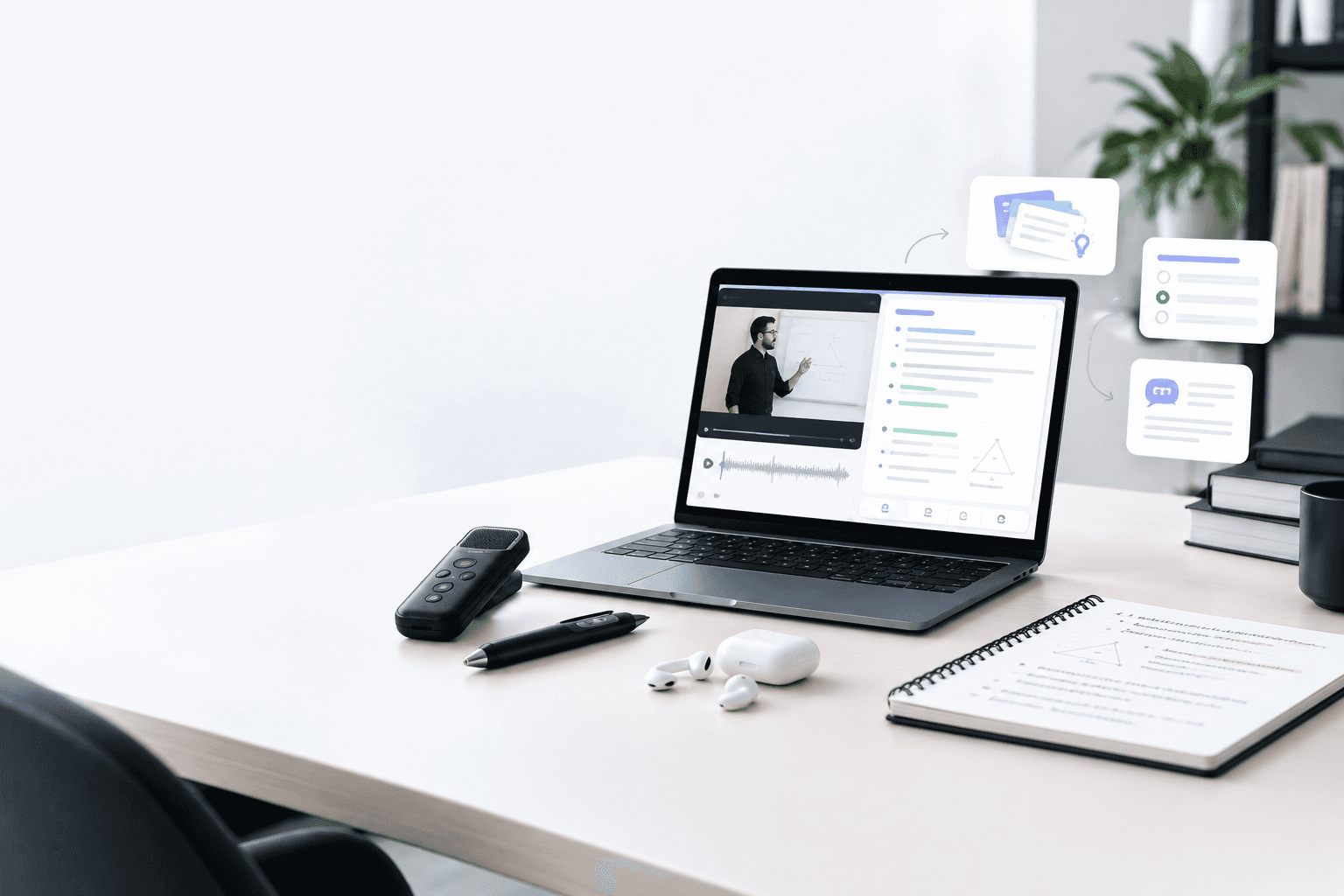
Recording lectures gives you a safety net when you're juggling notes, complex concepts, and fast-talking professors all at once. The right lecture recorder for students captures every word while you focus on understanding, not scribbling, and many modern options now layer in AI transcription, searchable notes, and automatic summaries that transform raw audio into study-ready materials before you even leave the classroom.
This guide walks you through the best lecture recorder apps and AI tools available in 2025, breaking down free versus paid features, transcription accuracy, device compatibility, and which tools pair recording with intelligent study features like flashcards and quizzes. Whether you need a simple free lecture recorder or a full-featured digital lecture recorder with AI-powered note generation, you'll find the option that fits your workflow and budget.
What Makes a Great Lecture Recorder in 2025?
A great lecture recorder in 2025 combines high-quality audio capture with automatic transcription, cloud sync across devices, and intelligent note organization that turns hours of audio into searchable, actionable study materials. Simple recording alone isn't enough anymore; students need tools that reduce the time between capturing a lecture and actually using it to study, which means built-in transcription, timestamped highlights, and ideally AI-generated summaries or flashcards.
Look for apps that support background recording so your phone doesn't lock mid-lecture, offer offline recording when campus Wi-Fi is unreliable, and export in multiple formats (MP3, WAV, or text) so you can move files between devices. Battery efficiency matters, too: a three-hour lecture shouldn't drain your phone or laptop completely.
Free vs. Paid Lecture Recorder Apps: What You Actually Get
Free lecture recorder apps typically offer unlimited audio recording but cap transcription minutes, cloud storage, or export options, meaning you can record everything but might hit a wall when you need searchable text or want to organize recordings across semesters. Most free tiers give you 30 to 60 minutes of monthly transcription or limit file sizes to a few hundred megabytes, which works fine for one or two classes but falls short if you're recording every lecture in a full course load.
Paid plans unlock unlimited or high-volume transcription, advanced AI features like speaker identification and automatic chapter markers, and integrations with note-taking platforms or flashcard systems that turn transcripts into study sets. If you're serious about using lecture recordings as a primary study tool rather than just a backup, a paid subscription quickly pays for itself in time saved manually reviewing and rewriting notes.
When Free Lecture Recorder Apps Are Enough
Free lecture recorder options work well if you're recording selectively (only difficult lectures or guest speakers), already take strong manual notes and just want audio backup, or plan to transcribe yourself using a separate free service. They're also ideal for testing a workflow before committing to a paid tool, since you can experiment with recording habits, playback speed preferences, and whether you actually review the files later.
Best AI Lecture Recorder Tools with Automatic Transcription
The best AI lecture recorder tools in 2025 deliver real-time or near-instant transcription with better than 90% accuracy in quiet environments, speaker labels that distinguish professor from student questions, and timestamped text that lets you jump directly to the moment a specific concept was explained. AI transcription eliminates the hours you'd otherwise spend replaying recordings at slow speed, and the searchable text makes it trivial to find that one formula or definition you half-remember from week three.
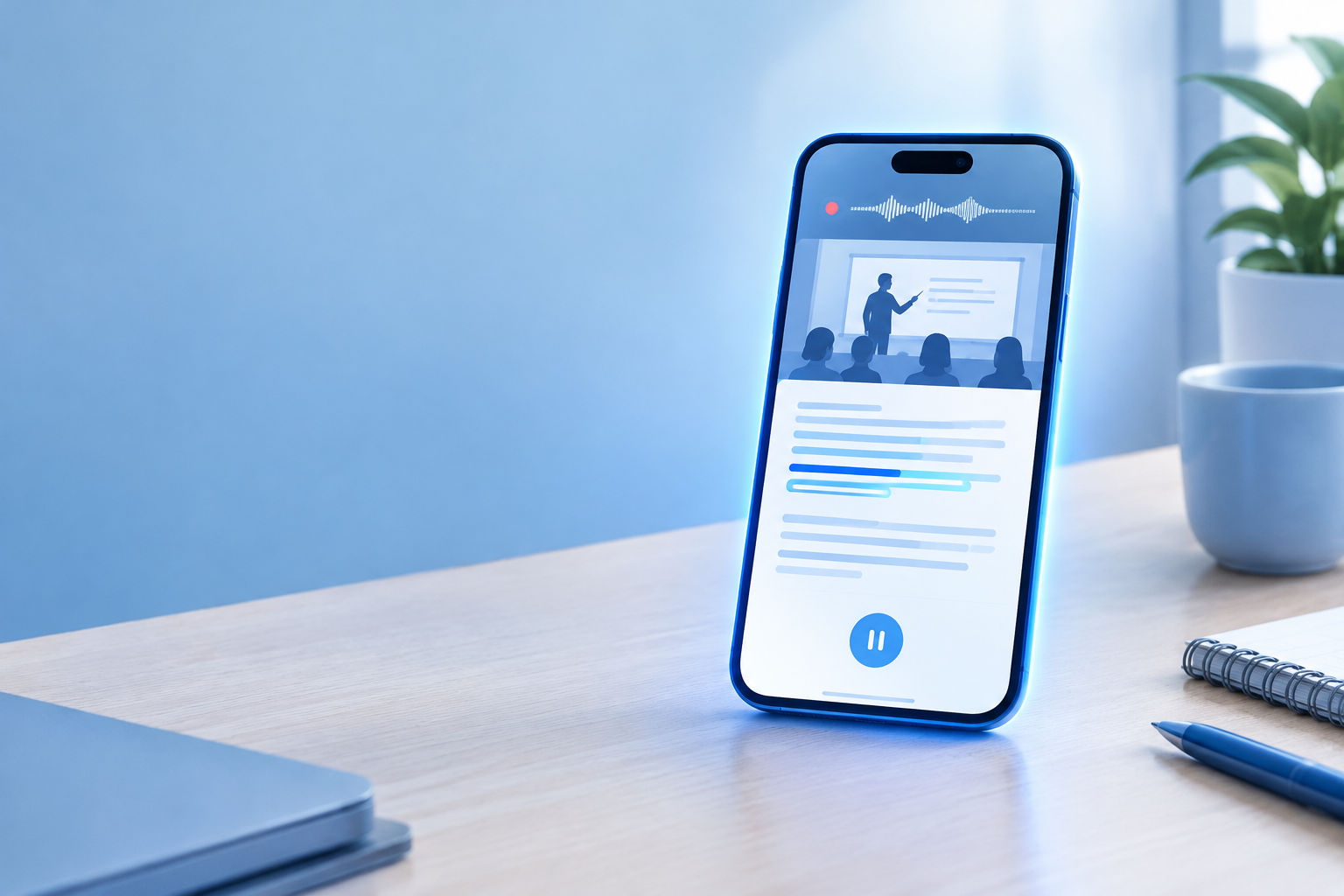
Top contenders layer in AI summarization, pulling out key points, definitions, and action items automatically, and some go further by generating quiz questions or study guides directly from the transcript. Tools like Study Slay turn lecture recordings into AI notes, flashcards, and quizzes in one workflow, letting you upload an audio file or link and receive structured study materials without manually extracting information from a wall of text.
How Accurate Is AI Transcription for Lectures?
AI transcription for lectures typically reaches 85-95% accuracy in clear audio conditions but drops when professors have strong accents, speak very quickly, use heavy jargon, or when classroom noise and side conversations muddy the recording. Accuracy improves significantly if you place your device close to the speaker, use an external microphone, or choose a tool trained on academic vocabulary rather than general speech, since discipline-specific terms (organic chemistry nomenclature, statistical methods, legal case names) often trip up generic transcription engines.
Digital Lecture Recorder Devices: Do You Need Dedicated Hardware?
A digital lecture recorder device (a standalone handheld recorder) offers superior audio quality, longer battery life, and more robust microphones than a smartphone, making it the best choice if you're in large lecture halls, auditoriums with poor acoustics, or classes where the professor moves around frequently. Dedicated recorders also eliminate the risk of your phone dying, notifications interrupting the file, or storage filling up mid-lecture.
That said, most students no longer need dedicated hardware because modern smartphone apps deliver good-enough audio for typical classrooms, sync recordings instantly to the cloud, and integrate transcription and note-taking in one place. A dedicated device makes sense if you're in a graduate program with long seminars, studying music or languages where audio fidelity matters, or recording interviews and fieldwork outside controlled environments.
Can You Use a Lecture Recorder Pen?
A lecture recorder pen is a ballpoint pen with a built-in microphone and memory that records audio while you write, syncing timestamps between your handwritten notes and the audio file so tapping a word in your notebook jumps to that moment in the recording. These pens work well if you prefer handwriting notes and want audio backup without carrying extra devices, and they're especially popular in fields like engineering or math where diagrams and equations are easier to sketch than type.
The downsides are limited storage (most hold a few hours before needing a transfer), no built-in transcription (you still need separate software), and the requirement to use special notebook paper with positioning dots for sync to work. If you're already committed to digital note-taking or want AI-generated study materials, a full-featured app on your existing devices delivers more value than a niche hardware pen.
Lecture Recorder Online: Browser-Based Tools vs. Apps
A lecture recorder online tool runs entirely in your browser, requiring no download or installation, which makes it convenient for quick recordings on shared or locked-down school computers where you can't install apps. Browser-based recorders typically save files to your cloud storage or download directly to your device, and many offer basic editing (trim, merge clips) right in the interface.
The trade-off is less reliability: browser tools can crash if a tab closes, depend on a stable internet connection for cloud features, and often lack advanced AI processing like automatic transcription or speaker detection. For regular, high-stakes lecture recording, a native app on your phone or laptop provides better background performance, offline capability, and tighter integration with transcription and study tools.
When to Choose an Online Lecture Recorder
Online lecture recorders make sense for one-off recordings, guest lectures on a borrowed device, or quick voice memos when you don't have your phone, but they're not a sustainable solution for recording every class across a semester. Use them as a backup option rather than your primary recording strategy, and always test the tool on a short clip before relying on it for an important lecture.
Key Features to Compare When Choosing a Lecture Recorder
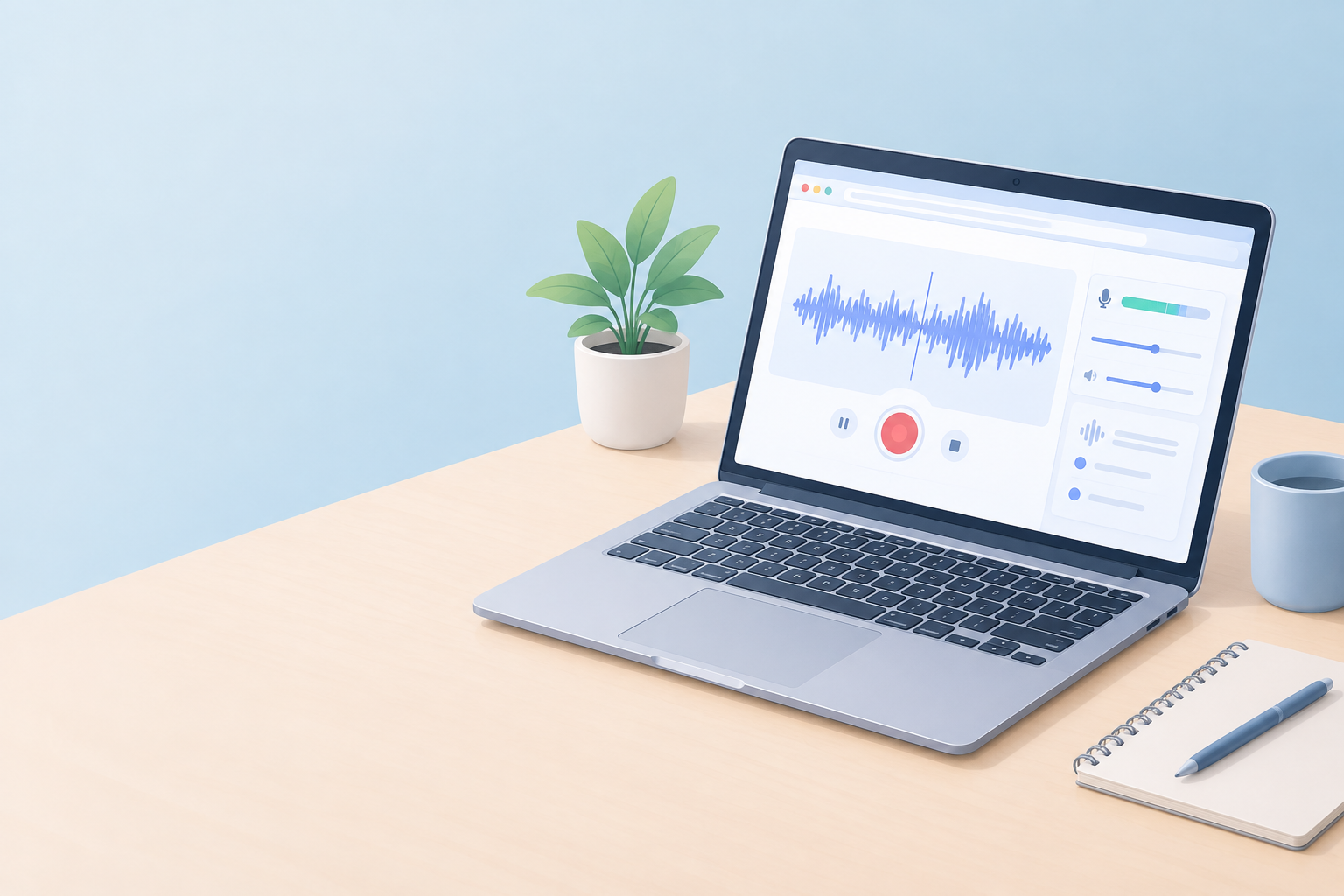
When choosing a lecture recorder, prioritize audio quality settings (at minimum 128 kbps for clear speech), cloud sync so recordings survive a lost or broken device, and playback controls like variable speed and skip-forward buttons that let you review efficiently. Transcription accuracy, turnaround time (real-time versus uploaded and processed later), and whether the tool supports your device ecosystem (iOS, Android, Windows, Mac, web) determine how smoothly the recorder fits into your existing study workflow.
| Feature | Why It Matters | What to Look For |
|---|---|---|
| Audio Quality | Clear speech is essential for transcription accuracy and review | At least 128 kbps, adjustable quality settings |
| Transcription | Turns hours of audio into searchable, skimmable text | Real-time or fast processing, 90%+ accuracy, speaker labels |
| Cloud Sync | Access recordings from any device, protects against data loss | Automatic backup, cross-platform availability |
| AI Study Tools | Generates summaries, flashcards, quizzes from transcripts | Auto-generated notes, integration with spaced repetition |
| Battery & Performance | Ensures full lecture capture without phone dying | Background recording, low power drain, offline mode |
Also check whether the tool supports live collaboration (sharing recordings with study groups), editing capabilities (trim dead air, mark important timestamps), and export options so you're not locked into a single platform if your needs change later.
How to Turn Lecture Recordings into Effective Study Materials
Turning lecture recordings into effective study materials starts with getting an accurate transcript, then using that text to create summaries, highlight key terms and definitions, and generate active recall tools like flashcards and practice questions rather than passively rereading the full transcript. The goal is to compress a 90-minute audio file into 10 minutes of high-value review material that targets the concepts you actually need to learn.
AI-powered tools like Study Slay automate this transformation, taking your lecture recording and outputting organized AI notes, flashcards, and quizzes in one step. You can also manually extract notes from a lecture recording by skimming the transcript for bolded terms, numbered lists, and repeated phrases, then rewriting those points in your own words and linking them to practice problems or textbook sections.
Should You Review Full Lecture Recordings or Just Transcripts?
Reviewing full lecture recordings is time-intensive and passive, making it better suited for clarifying confusing moments or catching details you missed in your notes, while reviewing transcripts lets you skim quickly, search for keywords, and extract actionable study points in a fraction of the time. Most students get the best results by using transcripts as their primary review method and only returning to the audio when a specific concept remains unclear after reading the text.
Which Lecture Recorder Works Best for Different Class Formats?
The best lecture recorder for different class formats depends on audio conditions, lecture length, and how much you need to interact during class: large lectures with a stationary professor favor smartphone apps with good microphones and long battery life, fast-paced discussion seminars benefit from AI tools with speaker identification and real-time transcription, and lab or studio classes where you're moving around suit lightweight wearable recorders or pens that don't require you to monitor a device.
Online or hybrid classes often come with built-in platform recordings (Zoom, Teams), but those files live inside the LMS and rarely include AI transcription or study tool generation, so downloading the audio and running it through a dedicated lecture recorder AI tool gives you searchable notes and flashcards the platform alone won't provide.
Legal and Ethical Considerations for Recording Lectures
Recording lectures legally and ethically requires checking your school's policy and, in many jurisdictions, getting explicit permission from the instructor before you start, since some states and countries have two-party consent laws that make unauthorized recording illegal. Many universities allow recording for personal study use but prohibit sharing files publicly or selling notes derived from recordings, and professors may opt out if they're discussing unpublished research, sharing copyrighted media, or protecting student privacy in discussion-based classes.
Always ask at the start of the semester, and if a professor says no, respect that boundary and focus on improving your real-time note-taking instead. When permission is granted, keep recordings private, never post them online, and delete files at the end of the term unless you have ongoing academic need (like preparing for a comprehensive exam).
Frequently Asked Questions
What is the best free lecture recorder for students?
The best free lecture recorder for students offers unlimited audio recording, cloud sync, and at least basic transcription or export options, with tools like built-in smartphone voice recorders covering simple capture while dedicated apps add transcription minutes and cross-device access. For students who want AI-powered note generation from recordings, platforms like Study Slay provide transcription and automatic flashcard creation with free trials or tiered plans that go beyond what purely free apps offer.
Can a lecture recorder app transcribe in real time?
Yes, many modern lecture recorder apps transcribe in real time using on-device or cloud-based AI, displaying text as the professor speaks with only a few seconds of delay, which lets you follow along, catch missed words, and search the transcript immediately after class. Real-time transcription accuracy depends on audio clarity, microphone quality, and whether the tool has been trained on academic vocabulary, with best results in quiet classrooms and when the speaker faces the recording device.
How much storage does a lecture recording use?
A one-hour lecture recording typically uses 30 to 60 MB at standard quality (64-128 kbps) or up to 150 MB at high quality (256 kbps), meaning a semester of three-hour weekly lectures per class consumes roughly 1 to 3 GB per course depending on your quality settings. Cloud-synced apps offload that storage to the cloud after upload, freeing device space, while purely local recording requires regular transfers to a computer or external drive to avoid filling your phone.
Is it better to record lectures on a phone or laptop?
Recording lectures on a phone is more practical for most students because phones are portable, always with you, and have surprisingly good microphones, while laptops offer larger screens for reviewing transcripts during recording and longer battery life but are bulkier to position near the speaker. The best choice depends on your seating (front row lets you place a phone on the desk; back row may require a laptop closer to you with an external mic pointed forward) and whether you plan to take notes on the same device while recording, which is easier on a laptop.
Do AI lecture recorders work offline?
AI lecture recorders can record audio offline without any internet connection, but most transcription and AI processing features require uploading the file to cloud servers afterward, meaning you'll capture the full lecture even in a basement classroom with no signal but won't see the transcript until you reconnect. A few premium apps offer on-device transcription that works offline, though accuracy and speed are usually lower than cloud-based models, making them best for emergencies rather than everyday use.
Choosing the right lecture recorder comes down to matching features to your actual study habits: if you review recordings regularly and want to turn audio into active study materials, invest in an AI-powered tool with transcription and note generation; if you record only occasionally as backup, a simple free app will do the job. Either way, pairing your recordings with a platform like AI notes that transforms transcripts into flashcards and quizzes ensures the time you spend in lecture translates directly into study materials that actually improve retention and exam performance.