ai study guide maker · 14 min read
AI Study Guide Maker: Complete Platform Comparison for 2025
Find the best AI study guide maker, from Quillbot to free PDF converters. Compare features, pricing, and Reddit reviews to choose the right tool for exams.
Published November 12th, 2026 · Study Slay team

Finding the right AI study guide maker can transform how you prepare for exams, but with dozens of platforms claiming to automate your study materials, choosing one that actually fits your workflow requires comparing real features, limitations, and user experiences across the most talked-about tools in 2025.
What Makes an AI Study Guide Maker Worth Using?
A worthwhile AI study guide maker converts your source materials into organized, test-ready study guides without requiring you to manually reformat content, and it should handle multiple input types including PDFs, lecture recordings, and web content while producing guides that reflect the structure and emphasis of your actual course material. The difference between a basic summarization tool and a real study guide maker lies in how well it identifies key concepts, hierarchical relationships, and exam-relevant details rather than just shortening paragraphs. Platforms that let you upload a 40-page textbook chapter and receive a categorized guide with definitions, examples, and practice questions save hours compared to manual highlighting, but only if the output accuracy is high enough that you spend less time fixing errors than you would have spent writing notes yourself.
Top AI Study Guide Maker Platforms Compared
The most discussed AI study guide maker platforms in 2025 each target different use cases, from quick summarization to comprehensive exam prep suites. Understanding which platform excels at what helps you match your actual study habits to the tool's strengths rather than forcing a workflow around a feature set that doesn't fit.
| Platform | Best For | Input Types | Free Tier |
|---|---|---|---|
| Quillbot AI | Text summarization and paraphrasing | Pasted text, uploaded docs | Limited words per session |
| Piktochart AI | Visual infographic-style guides | Text prompts, basic content | Template access with watermarks |
| iWeaver AI | Knowledge management and note linking | PDFs, web pages, text | Basic features available |
| Study Slay | Lecture recordings, videos, comprehensive study materials | PDFs, YouTube, lecture audio, docs | Full feature access with usage limits |
| Scribe AI | Process documentation and step-by-step guides | Screen recordings, workflows | Limited captures per month |
Quillbot AI Study Guide Maker
Quillbot AI study guide maker focuses primarily on text summarization and paraphrasing rather than structured study guide generation, which means it excels at condensing long passages into shorter summaries but does not automatically organize content into the hierarchical sections, practice questions, and key term lists that make a study guide actionable for exam review. Students use it most effectively when they already have a clear outline and need help shortening verbose textbook sections, but the tool requires manual effort to transform summaries into a study-ready format. The free tier caps the number of words you can process at once, so working through an entire chapter requires splitting content into smaller chunks and reassembling the output yourself.
Piktochart AI Study Guide Maker
Piktochart AI study guide maker generates visually styled infographics and one-page summaries that work well for high-level topic overviews but lack the depth and detail needed for courses with dense factual content or multi-step problem solving. The platform shines when you need a colorful reference sheet for broad concepts, timelines, or comparison tables, yet it struggles with technical subjects that require equations, code snippets, or detailed procedural explanations. Free accounts can access templates and basic AI features, but exported guides carry watermarks unless you upgrade, and the design-first approach means you spend more time adjusting layouts than you would with a text-focused tool.
iWeaver AI Study Guide Maker
iWeaver AI study guide maker positions itself as a knowledge management system that builds interconnected note databases, tagging related concepts across multiple documents so you can explore how ideas link together rather than treating each source in isolation. This approach benefits students working on long-term research projects or cumulative subjects where understanding connections between topics matters more than memorizing isolated facts, but the learning curve is steeper than single-use summarization tools because you need to organize your library and tag content consistently to see the full benefit. The free version offers core features, though advanced linking and bulk uploads sit behind the paid tier.

How Do Free AI Study Guide Makers from PDF Tools Perform?
Free AI study guide makers that specialize in PDF conversion extract text and generate summaries from uploaded documents, but their effectiveness varies widely depending on how the original PDF was created and whether the AI can correctly parse tables, footnotes, and multi-column layouts. PDFs created from scanned images rather than digital text require OCR (optical character recognition) before summarization, and lower-quality scans introduce errors that cascade into the final study guide, forcing you to cross-reference the original to catch mistakes. Tools like Study Slay's AI notes feature handle PDFs alongside other formats, converting textbook chapters and lecture slides into structured notes without requiring you to manage separate tools for each file type.
Common Limitations of PDF-Only Study Guide Makers
PDF-only study guide makers often strip out visual context like diagrams, charts, and annotated images that carry crucial information in STEM subjects, leaving you with text summaries that reference figures you can no longer see. Many free platforms also impose file size limits that prevent uploading entire textbooks, so you end up splitting chapters across multiple uploads and manually stitching together the resulting guides. If your course relies heavily on visual aids or you study from comprehensive reference texts rather than short articles, a platform that preserves or references images within the generated guide will save you from constantly flipping back to the original PDF.
What Are Students Saying on Reddit About AI Study Guide Makers?
Reddit discussions about the best AI study guide maker consistently highlight the gap between marketing claims and actual usability, with students praising tools that produce accurate, exam-relevant output on the first try and criticizing platforms that generate generic summaries requiring heavy editing. Threads in study-focused subreddits emphasize that no AI tool replaces active engagement with the material, but the best platforms reduce the mechanical work of organizing notes so students can spend more time on retrieval practice and testing themselves rather than rewriting textbook pages. Common complaints center on tools that fail to capture instructor emphasis, miss critical details buried in dense paragraphs, or produce outputs so generic they could describe any chapter in the subject rather than your specific course content.
Recurring Themes in Reddit Reviews
Users frequently mention that free tiers are sufficient for occasional use or light courses, but anyone juggling multiple classes or preparing for cumulative finals quickly hits usage caps and needs to upgrade or switch platforms. Another recurring theme is the importance of tools that let you edit and annotate AI-generated guides directly, because even the best AI misses nuances or includes irrelevant details, and the ability to refine the output without exporting to a separate editor streamlines the workflow. Students also value platforms that integrate flashcard generation and quiz creation alongside study guides, since creating all three from the same source material ensures consistency and saves time compared to using separate apps for each study method.

Can Scribe AI Build Study Guides?
Scribe AI primarily creates process documentation and step-by-step guides for software workflows and procedural tasks, not academic study guides, so it excels at capturing screen recordings and generating how-to documents but lacks the content analysis features needed to extract key concepts, definitions, and test-relevant information from textbooks or lectures. Students in technical fields sometimes repurpose Scribe to document lab procedures or coding workflows, but it does not summarize lecture content or generate exam prep materials the way purpose-built study platforms do. If your goal is to turn course readings and class recordings into organized study guides, a tool designed for educational content will produce more useful output than adapting a documentation platform.
Does Google Offer an AI Study Guide Maker?
Google does not currently offer a standalone AI study guide maker as a branded product, though features within Google Docs and Google Workspace leverage AI for summarization and smart suggestions that can assist with note organization. Students using Google's ecosystem often combine Docs for manual note-taking with third-party extensions or external AI tools to generate study guides from their collected materials, but this requires exporting content and managing multiple platforms rather than working within a single integrated study environment. For students who already store lecture slides, PDF readings, and recorded classes in Google Drive, choosing an AI study guide maker that integrates with or imports from Drive can streamline the upload process and keep everything in one place.
Key Features to Compare When Choosing a Platform
Comparing AI study guide maker platforms effectively means evaluating how each handles the specific inputs you use most often, whether the output format matches your preferred study methods, and whether usage limits or pricing align with your actual workload across a full semester.
What Input Formats Does the Platform Accept?
The range of accepted input formats determines whether you can consolidate all your study material processing in one tool or need separate platforms for different content types. Platforms that accept PDFs, Word documents, lecture recordings, YouTube videos, and web links let you build a complete study guide from mixed sources, while tools limited to text or single file types force you to convert or transcribe content manually before uploading. Study Slay handles all these formats natively, so you can upload a recorded lecture, a PDF textbook chapter, and a YouTube review video and generate coordinated study materials from all three without preprocessing.
Does It Generate Practice Questions and Flashcards?
Study guide makers that also produce practice quizzes and flashcards from the same source content enable active recall practice immediately after generating your guide, reinforcing learning through testing rather than passive review. This integration matters because manually creating flashcards from an AI-generated study guide duplicates effort and introduces opportunities for inconsistency between your guide and your practice materials. Tools that offer automated flashcard generation alongside study guides ensure the questions align with the key concepts the AI identified, creating a cohesive study system rather than disconnected resources.
Can You Edit and Refine the Output?
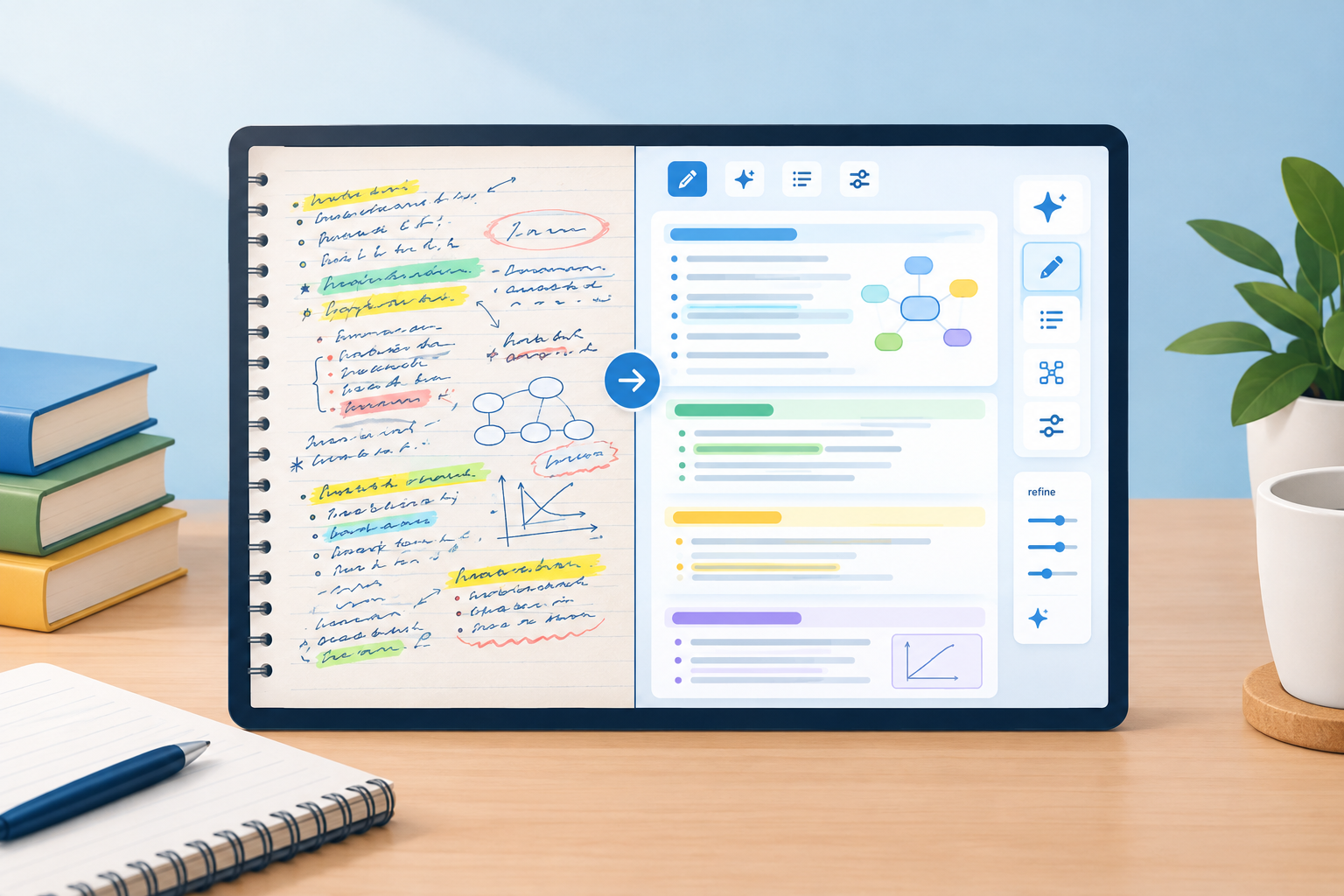
Platforms that lock AI-generated study guides into read-only formats limit your ability to add instructor-specific details, correct errors, or reorganize sections to match your personal study priorities. The best tools treat AI output as a strong first draft that you can edit directly, adding annotations, highlighting critical points, or removing irrelevant sections without exporting to another app. This editing flexibility turns the AI into a collaborator that accelerates your workflow rather than a black box that either works perfectly or fails completely.
How Study Slay Compares as an All-in-One Solution
Study Slay differentiates itself by converting diverse input types into not just study guides but also flashcards, quizzes, and searchable note databases, all from a single upload, which eliminates the need to chain together multiple specialized tools for different stages of exam prep. The platform accepts lecture recordings, YouTube videos, PDFs, and documents, then generates structured notes and study materials that preserve the instructor's emphasis and course-specific terminology rather than producing generic summaries. This integrated approach means you can turn a lecture recording into notes, generate flashcards from those notes, and quiz yourself on the content without switching apps or manually reformatting output.
Cross-Device Access and Study Continuity
Study Slay provides synchronized access across all devices, so study guides, flashcards, and notes you create on your laptop appear instantly on your phone or tablet, enabling short study sessions during commutes or between classes without carrying physical materials or manually syncing files. This continuity supports spaced repetition and frequent review, both of which improve long-term retention more effectively than cramming, and it ensures you never lose progress because everything updates in real time. Platforms that restrict full functionality to desktop browsers or require separate mobile subscriptions fragment your study routine and create friction that reduces how often you actually review.
Pricing Models and Free Tier Trade-Offs
Most AI study guide maker platforms offer free tiers with usage caps on uploads, processing limits, or feature restrictions, and choosing between free and paid depends on how many courses you need to cover and how frequently you generate new study materials. Free tiers work well for students taking one or two light courses who only need occasional study guide generation, but anyone preparing for midterms or finals across four or five classes will exhaust monthly limits quickly and face delays waiting for caps to reset. Paid plans typically remove usage limits and unlock advanced features like bulk uploads, priority processing, and export options, so evaluating whether the time saved justifies the cost means calculating how many hours you currently spend manually creating study materials and whether reducing that time improves your grades or reduces stress during exam periods.
| Pricing Consideration | Free Tier | Paid Tier |
|---|---|---|
| Monthly uploads | 5-10 documents typically | Unlimited or high cap |
| File size limits | 10-50 MB per file | 100+ MB or no limit |
| Advanced features | Basic summaries only | Flashcards, quizzes, chat |
| Export and sharing | Limited formats, watermarks | Full export, collaboration |
Frequently Asked Questions
What is the best free AI study guide maker?
The best free AI study guide maker depends on your input types and desired output format, but Study Slay offers comprehensive free-tier access that includes PDF uploads, lecture transcription, and integrated flashcard generation without watermarks or restrictive per-session caps. Students who only need text summarization may find Quillbot sufficient, while those working with recorded lectures or video content benefit more from platforms that handle audio and visual inputs natively.
Can AI study guide makers handle technical subjects with equations?
AI study guide makers vary widely in their ability to parse and format mathematical equations, code blocks, and technical notation, with some platforms stripping out symbols or rendering equations as plain text that loses meaning. Tools that preserve LaTeX or image-based equations in the generated study guide maintain the integrity of STEM content, so students in math, engineering, or computer science courses should test a platform with sample technical material before committing to it for a full semester.
How accurate are AI-generated study guides compared to manual notes?
AI-generated study guides typically capture 80-90% of core content accurately when working from clear source material, but they may miss instructor-specific emphasis, misinterpret ambiguous phrasing, or include tangential details that are not exam-relevant. The best practice is to treat AI output as a comprehensive first draft that you review and refine, adding annotations for points your professor stressed in class and removing sections that are not covered in your syllabus, which still saves significant time compared to writing notes from scratch.
Do AI study guide makers work with scanned PDFs or only digital text?
Many AI study guide makers include OCR capabilities that extract text from scanned PDFs and images, but accuracy decreases with poor scan quality, handwritten annotations, or complex multi-column layouts. Platforms designed specifically for student workflows often include better OCR tuned for textbook formatting, while general-purpose summarization tools may struggle with scanned academic content, so checking whether a platform explicitly supports scanned documents before uploading an entire semester of readings prevents wasted time and frustration.
Can you chat with your study guides to ask follow-up questions?
Some advanced AI study platforms, including Study Slay, offer AI chat features that let you ask questions directly about your uploaded materials, receiving answers grounded in the specific content you provided rather than generic web knowledge. This interactive approach helps clarify confusing sections, explore connections between topics, and test your understanding in a conversational format that mimics studying with a knowledgeable tutor, and it works best when the platform has indexed all your course materials so the AI can pull from lectures, readings, and notes simultaneously.
Making the Right Choice for Your Study Workflow
Choosing the right AI study guide maker requires matching platform strengths to your actual study habits, the formats your professors provide materials in, and whether you need just summaries or a complete exam prep system that includes testing and review tools. Students who receive most content as PDFs and prefer reading condensed text may thrive with a straightforward summarization tool, while those juggling lecture recordings, video content, and multiple resource types benefit from integrated platforms that convert everything into a unified study system. Testing a platform with real course material from your current classes, rather than sample content, reveals whether the output quality and feature set genuinely reduce your study prep time or just add another app to manage. For a comprehensive solution that handles diverse inputs and produces notes, flashcards, and quizzes from a single source, explore Study Slay's full feature set and see how consolidating your study tool stack can streamline your exam preparation across all your courses.