ai flashcard maker · 11 min read
AI Flashcard Maker Showdown: Quizlet, Anki, and New Tools
Compare Quizlet, Anki, and the newest AI flashcard makers. See which free AI flashcard maker from notes works best, plus Reddit recommendations and features.
Published November 11th, 2026 · Study Slay team
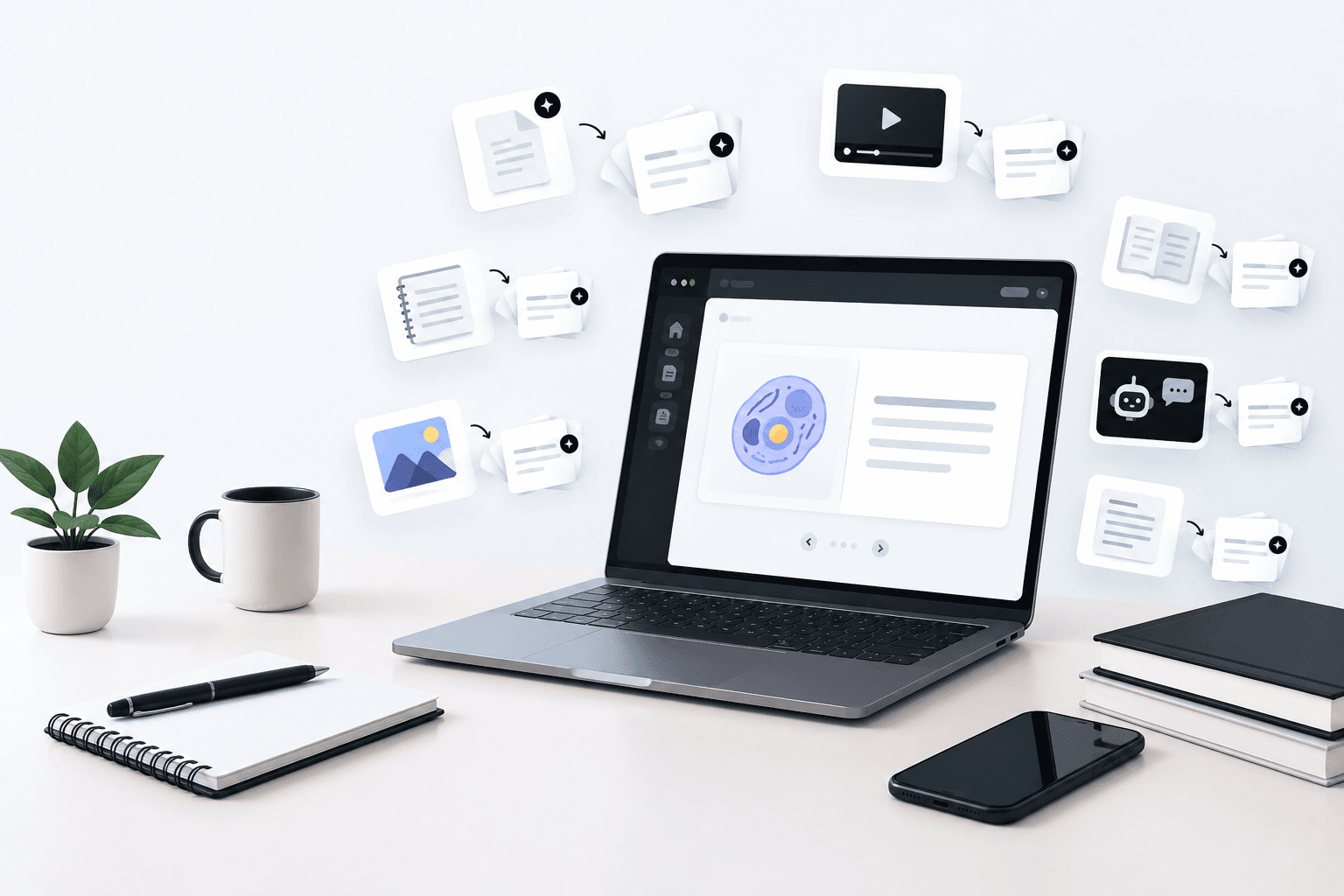
AI flashcard makers have changed how students prepare for exams, turning hours of manual card creation into a few clicks. Whether you're uploading lecture notes, importing PDF textbooks, or pulling highlights from YouTube videos, today's tools use AI to extract key concepts and generate question-answer pairs automatically, saving you time while improving retention through active recall.
This comparison breaks down the most popular platforms, from established names like Quizlet and Anki to newer AI-native tools designed specifically for students who need flashcards generated from notes, recordings, and documents. You'll see which features matter most, where each tool excels, and which free options deliver real value without a subscription.
What Makes an AI Flashcard Maker Stand Out?
An effective AI flashcard maker generates accurate, context-aware cards from your source material without requiring heavy manual editing. The best tools parse lecture transcripts, PDFs, and notes to identify key terms, definitions, and relationships, then format them into spaced-repetition-ready decks you can start reviewing immediately.
Look for platforms that support multiple input formats, offer customization after generation, and integrate with your existing study workflow. Tools that let you edit AI-generated cards, add images, and sync across devices give you the flexibility to refine decks while keeping the efficiency gains AI provides.
Quizlet AI Flashcard Maker: Features and Limits
Quizlet's AI flashcard maker uses natural language processing to scan text you paste or upload, generating flashcard sets in seconds. The platform excels at handling straightforward definitions, vocabulary lists, and factual recall questions, making it a popular choice for language learners and intro-level courses.
However, Quizlet's AI struggles with longer documents and nuanced material. It performs best when you feed it clean, structured notes rather than raw lecture transcripts or dense textbook chapters. The free tier limits the number of AI-generated sets you can create per month, pushing heavy users toward a paid subscription.
When Does Quizlet Work Best for Students?
Quizlet shines when you need quick, shareable flashcard sets for classes with high memorization demands, like anatomy, foreign languages, or history dates. Its study modes (Learn, Match, Test) add variety beyond basic flashcard review, reinforcing recall through games and timed challenges.
If your study routine involves group collaboration or you prefer browsing pre-made decks from other students, Quizlet's massive user-generated library is a major advantage. Just keep in mind that AI generation quality depends heavily on the clarity of your input text.
How Does Anki Handle AI Flashcard Generation?
Anki itself doesn't offer built-in AI flashcard generation, but it remains a powerhouse for spaced repetition once you have cards created. Students pair Anki with third-party AI tools or scripts that convert notes into Anki-compatible import files, allowing them to leverage Anki's superior scheduling algorithm while benefiting from automated card creation.
This workaround appeals to advanced users who value Anki's customization and long-term retention metrics but want to avoid manual card entry. Tools like AnkiGPT and browser extensions parse your study materials and export decks directly into Anki's format, bridging the gap between AI generation and Anki's proven spaced-repetition engine.
Which Free AI Flashcard Maker Handles Notes Best?
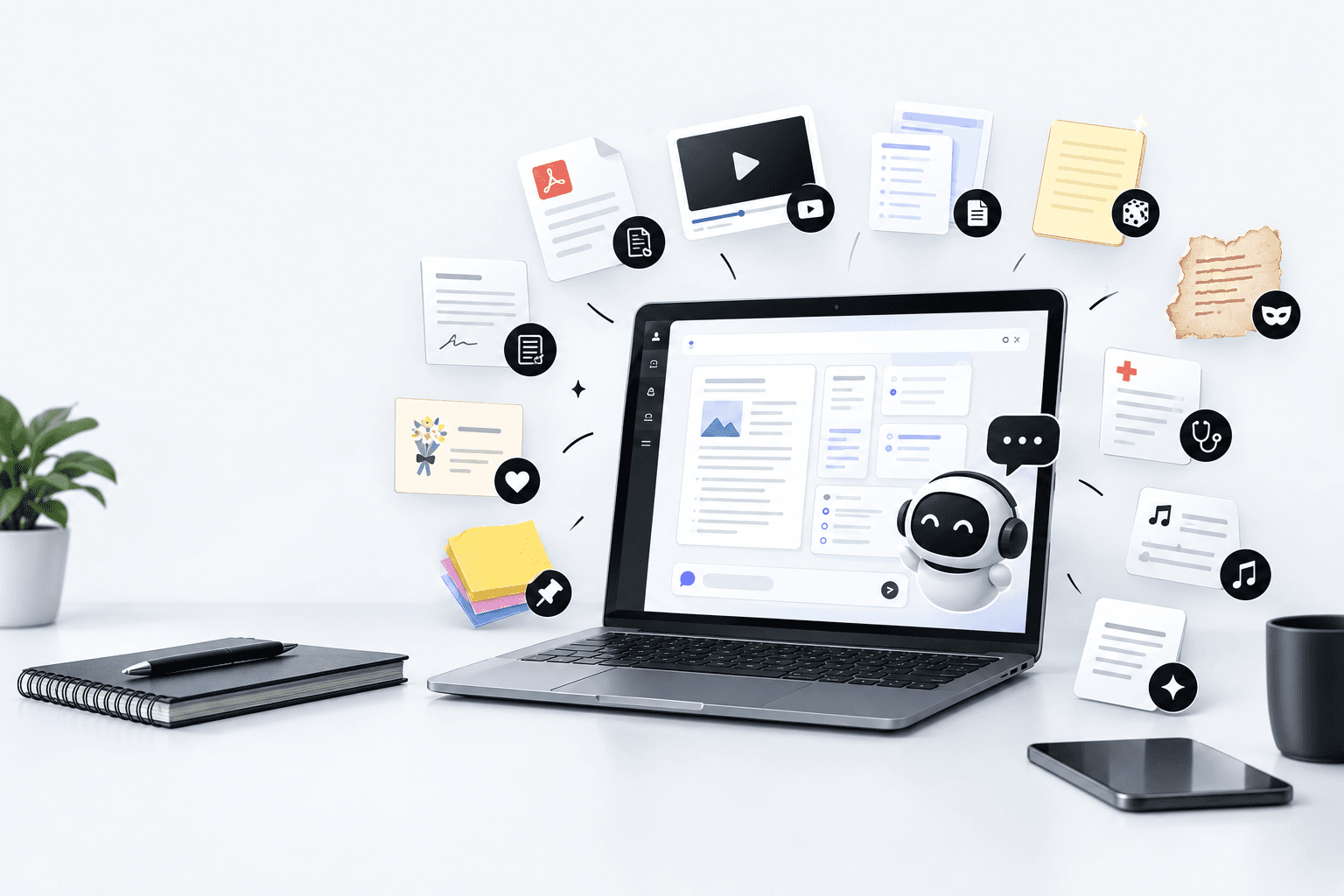
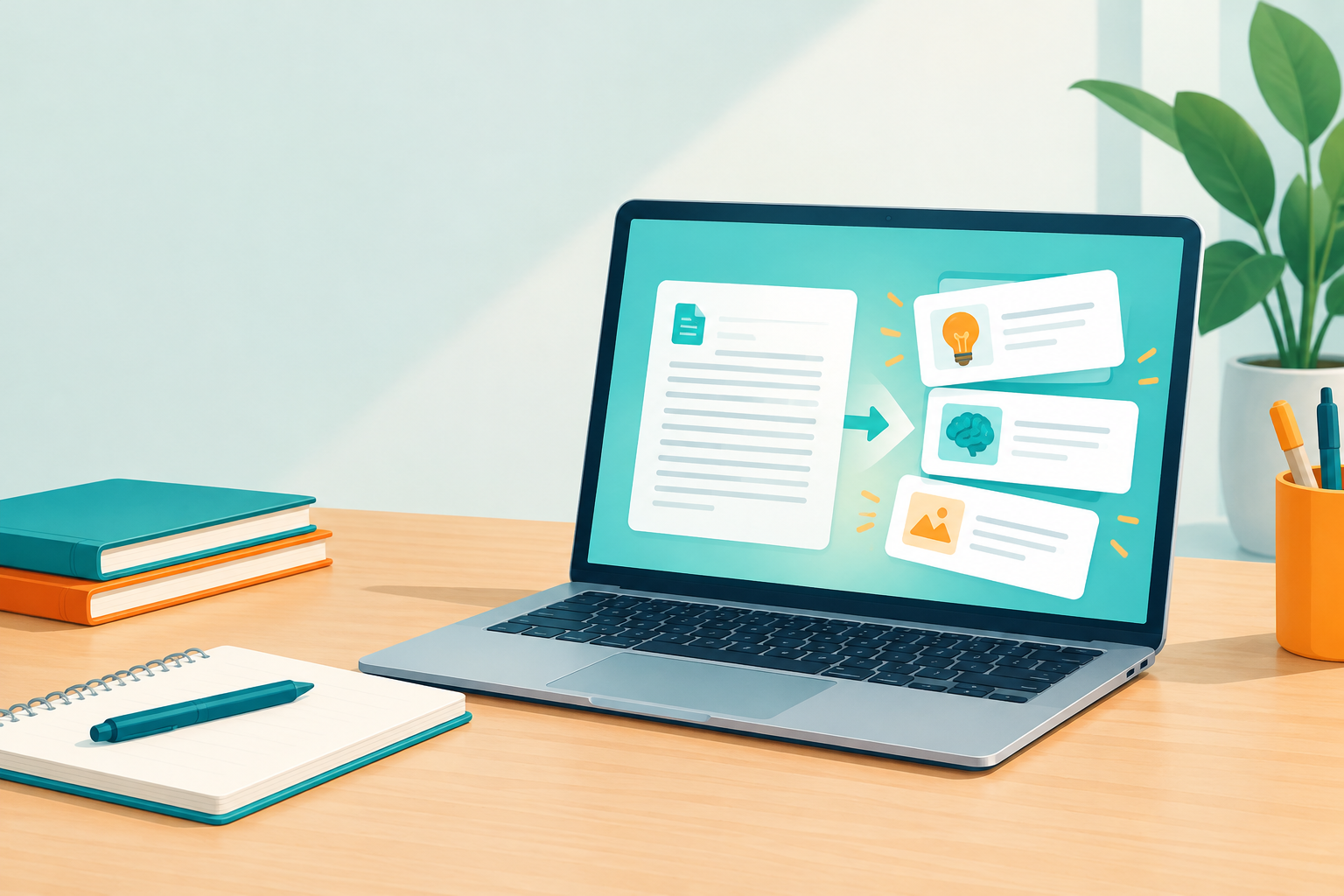
Free AI flashcard makers from notes work best when they can process multiple file types without forcing you into a paid tier after your first few decks. Platforms like Study Slay, Revisely, and NoteGPT offer free plans that let you upload PDFs, paste text, or even import lecture recordings, then auto-generate flashcards directly from that content.
Study Slay stands out by turning lecture recordings, YouTube videos, and PDF chapters into flashcards alongside AI-generated notes and quizzes, giving you a complete study package from a single upload. The platform's AI identifies key concepts across different media formats, so whether you're working from a dense textbook or a two-hour lecture, you get cards that mirror the material's structure.
Can You Make AI Flashcards from PDF Textbooks?
Yes, and this is one of the most valuable use cases for AI flashcard makers. Upload a textbook chapter PDF to a tool like Study Slay's flashcard generator, and the AI scans for definitions, highlighted concepts, and exam-worthy details, transforming passive reading into active recall drills.
This feature saves hours compared to manual card creation, especially for STEM courses where each chapter might contain dozens of terms, formulas, and diagrams. Look for tools that preserve context around each term so your flashcards reinforce understanding, not just rote memorization.
Revisely AI Flashcard Maker: What Students Should Know
Revisely focuses on generating flashcards from uploaded documents and notes, using AI to identify question-worthy material and format it into study decks. The platform offers a clean interface and straightforward upload process, appealing to students who want minimal setup before diving into review.
Revisely's free tier allows limited deck creation, with paid plans unlocking unlimited AI generation and advanced editing tools. Its strength lies in simplicity, though it lacks the multimedia input options and integrated note-taking features found in more comprehensive study platforms.
NoteGPT AI Flashcard Maker: Strengths and Gaps
NoteGPT generates flashcards from YouTube videos, articles, and uploaded documents, making it a strong choice for students who learn from video lectures and online resources. The AI timestamps key concepts from videos, creating flashcards that link back to specific moments in the source material.
Where NoteGPT falls short is in handling complex, multi-page documents. Its AI performs best with shorter inputs, so students working from full textbook chapters may find the output less comprehensive than tools built specifically for long-form academic content.
What Do Reddit Users Say About the Best AI Flashcard Maker?
Reddit threads on AI flashcard makers consistently highlight Anki's spaced-repetition algorithm as unmatched for long-term retention, while praising newer AI tools for their ease of use and speed. Students on r/studying and r/Anki frequently mention using AI generators to create initial decks, then importing them into Anki for review.
Free AI flashcard makers from notes earn praise when they handle diverse inputs without paywalls. Users warn against tools that generate low-quality cards full of typos or irrelevant details, emphasizing the importance of AI that understands context rather than just extracting random sentences.

Decopy AI Flashcard Maker: Is It Worth Trying?
Decopy offers AI flashcard generation primarily for language learners, focusing on vocabulary extraction from articles and text snippets. It works well for building language decks quickly but isn't designed for broader academic subjects like biology, history, or engineering.
If your primary need is vocabulary acquisition from reading materials, Decopy's targeted approach can be helpful. For multi-subject study routines and diverse source materials, more general-purpose AI flashcard makers will serve you better.
How to Generate AI Flashcards from Lecture Notes
Generating AI flashcards from lecture notes starts with choosing a platform that accepts your note format, whether that's a Word doc, typed notes, a PDF scan, or even a lecture recording transcript. Upload your notes to a tool like Study Slay, and the AI parses the content to identify concepts worth testing.
The best results come from well-organized notes with clear headings and definitions. If your notes are messy or fragmented, consider using AI note-taking tools first to clean them up before flashcard generation, ensuring the AI has structured content to work from.
Can AI Flashcard Makers Add Pictures Automatically?
Some AI flashcard makers can add pictures automatically by pulling relevant images from databases or generating visual aids for concepts, though this feature is less common in free tiers. Tools focused on visual learning may include diagrams, charts, or labeled images alongside text-based cards.
If your subject requires visual memorization, like anatomy or geography, look for platforms that allow manual image uploads and support image-occlusion flashcards, where you can hide parts of a diagram and test yourself on labels.
Comparing AI Flashcard Maker Features Side by Side
| Platform | Input Types | Free Tier | Best For |
|---|---|---|---|
| Quizlet | Text, images | Limited AI sets | Vocab, definitions, shared decks |
| Anki (with AI tools) | Import files | Free (add-ons vary) | Advanced users, long-term retention |
| Study Slay | PDF, recordings, video, text | Generous free usage | Multi-format inputs, complete study workflow |
| Revisely | Documents, notes | Limited decks | Simple uploads, quick generation |
| NoteGPT | YouTube, articles, docs | Limited monthly | Video lectures, online content |
What Should You Look for in a Free AI Flashcard Maker?
A quality free AI flashcard maker should offer enough monthly generation capacity to support your study schedule without forcing an upgrade after one or two decks. Look for platforms that accept the file types you actually use, whether that's PDFs from your professors, Google Docs, or recorded lectures.
Editing capabilities matter just as much as generation speed. The AI won't always get every card perfect, so you need tools that let you tweak wording, add examples, and delete irrelevant cards without friction.
Do Free Plans Limit the Number of AI-Generated Flashcards?
Most free plans limit either the number of decks you can generate per month or the total number of cards per deck. Quizlet, Revisely, and NoteGPT all cap AI generation on free tiers, while platforms like Study Slay offer more generous limits designed to support full semester workloads.
Before committing to a tool, calculate how many flashcard decks you'll need per week based on your course load. A platform with a low monthly cap may work for light use but become frustrating during midterms or finals when you need to generate multiple decks quickly.

How AI Flashcard Makers Fit into Your Study Workflow
AI flashcard makers work best when integrated with other study tools rather than used in isolation. Combine flashcard review with AI-generated quizzes and note summaries to reinforce material through multiple retrieval pathways, a proven method for deeper encoding and long-term retention.
For example, after uploading a lecture recording to Study Slay, you can generate flashcards, review AI notes, and take a practice quiz all from the same source material, ensuring consistency across your study methods and reducing the time spent organizing different resources.
Should You Use Multiple AI Flashcard Makers?
Using multiple AI flashcard makers can make sense if each excels at a different input type, but managing decks across platforms creates friction and wastes time. Most students benefit more from choosing one robust tool that handles all their source materials, then exporting decks to Anki if they want advanced spaced-repetition scheduling.
If you do split your workflow, keep a clear system for which tool handles which content type, and consolidate review sessions to avoid juggling multiple apps during study time.
Common Mistakes When Using AI Flashcard Makers
The biggest mistake students make with AI flashcard makers is accepting every generated card without review. AI can miss nuance, misinterpret context, or create overly broad questions that don't test the specific knowledge your exam will cover.
Always scan through AI-generated decks and delete or edit cards that feel vague, repetitive, or irrelevant. This quick curation step takes minutes but dramatically improves the quality of your review sessions and prevents wasted time drilling unhelpful material.
Frequently Asked Questions
What is the best free AI flashcard maker for college students?
Study Slay is the best free AI flashcard maker for college students because it accepts PDFs, lecture recordings, and YouTube videos, turning them into flashcards alongside notes and quizzes without restrictive monthly caps. The platform handles diverse academic content and integrates seamlessly into a complete study workflow.
Can AI flashcard makers work with handwritten notes?
AI flashcard makers can work with handwritten notes if you first scan or photograph them into a PDF or image file, though accuracy depends on handwriting clarity. Some tools include OCR (optical character recognition) to convert handwritten text into editable digital text before generating flashcards, but typed notes generally produce better results.
How accurate are AI-generated flashcards compared to manual ones?
AI-generated flashcards are typically 80-90% accurate for straightforward factual content like definitions and dates, but they require human review to catch context errors, ambiguous phrasing, or missed nuances. Manual curation after AI generation combines speed with accuracy, giving you high-quality decks faster than building them from scratch.
Which AI flashcard maker works best for STEM subjects?
AI flashcard makers that handle formulas, diagrams, and multi-step problem explanations work best for STEM subjects. Study Slay excels here by processing dense PDF textbooks and lecture recordings common in STEM courses, generating cards that preserve mathematical notation and scientific terminology.
Do AI flashcard makers support spaced repetition scheduling?
Some AI flashcard makers include basic spaced repetition algorithms, while others focus solely on generation and expect you to export decks to dedicated spaced-repetition platforms like Anki. Check whether the tool you choose offers built-in review scheduling or easy export options to maintain long-term retention benefits.
Choosing the right AI flashcard maker depends on your input materials, study habits, and how much time you want to spend editing generated cards. Whether you stick with established names like Quizlet and Anki or try newer tools built for today's multi-format learning, the key is finding a platform that fits seamlessly into your routine and produces cards worth reviewing. Start by testing a free tier with one of your upcoming exams, and see which tool saves you the most time while delivering cards that actually stick.
Ready to turn your lecture recordings, PDFs, and notes into instant flashcards? Try Study Slay's AI flashcard generator and build your first deck in minutes.