study ai · 12 min read
Study AI Tools That Actually Help Students Learn Faster
Discover the best study AI platforms for students, from Google's tools to free options. Compare features, see real results, and choose the right fit for your needs.
Published November 2nd, 2026 · Study Slay team

Study AI platforms have transformed how students absorb material, turning hours of passive reading into targeted, active learning sessions. These tools analyze your content, generate study materials automatically, and adapt to your learning pace, cutting preparation time by as much as half while improving retention. Choosing the right one depends on your course format, budget, and whether you need support for video lectures, PDFs, or live note-taking.
What Is Study AI and How Does It Work?
Study AI refers to machine learning systems that process your course materials and generate summaries, flashcards, quizzes, and interactive study aids without manual input. The software ingests lecture recordings, textbook PDFs, YouTube videos, or typed notes, extracts key concepts using natural language processing, and formats them into review formats proven by cognitive science research. Instead of spending thirty minutes creating flashcards from a single chapter, the AI does it in seconds, letting you spend that time on actual retrieval practice.
Most study AI platforms follow a three-step workflow: upload or record your source material, let the AI parse and identify core ideas, then review the auto-generated outputs while correcting any errors. Advanced tools also offer chat interfaces where you can ask questions about your notes and receive answers grounded in the material you uploaded, turning your entire semester of content into a searchable knowledge base.
Key Features to Compare When Choosing Study AI Tools
The most useful study AI platforms share five capabilities: automatic transcription and summarization, flashcard generation with spaced repetition scheduling, quiz creation, AI chat that answers questions using your uploaded material, and multi-device sync so you can study on a laptop and review on your phone. Not every tool offers all five, so prioritize features that match your workflow.
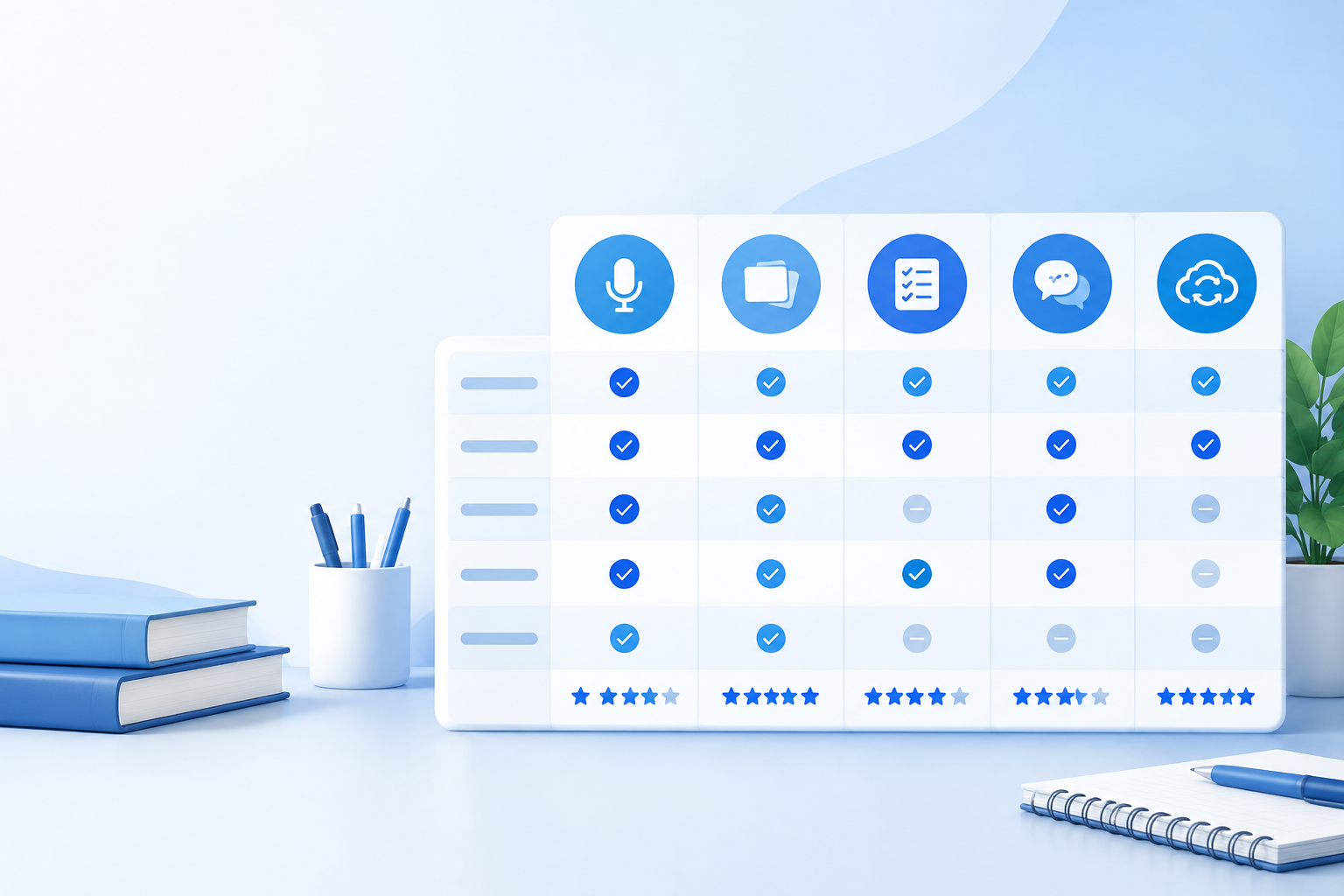
Look for tools that let you upload PDFs, paste URLs, or record audio directly. Platforms that handle only text input will frustrate you if your professor posts video lectures or you want to turn live class recordings into notes. Likewise, confirm the tool exports flashcards in formats compatible with your existing study routine, especially if you already use spaced repetition apps.
File Format and Source Compatibility
Support for lecture recordings, video URLs, PDFs, and live transcription separates general-purpose AI tools from those built specifically for students. If your courses rely on recorded Zoom sessions or YouTube supplemental content, the platform must ingest video and extract both spoken and on-screen text. PDF upload is essential for textbook chapters, while live recording matters if you attend in-person lectures and want real-time notes without typing.
Automatic Flashcard and Quiz Generation
The best tools convert your notes into flashcards and multiple-choice quizzes instantly, identifying term-definition pairs, cause-effect relationships, and testable facts. Manual flashcard creation takes five to ten minutes per page of notes; automation reduces that to seconds, freeing time for the retrieval practice that actually builds memory. Confirm the platform allows edits to auto-generated cards, because AI occasionally misses context or selects trivial details.
AI Chat for Interactive Question Answering
Chat interfaces let you ask natural-language questions and receive answers drawn exclusively from your uploaded materials, not from the open web. This feature mimics having a tutor who has read every lecture slide and textbook page you provided. It excels at clarifying confusing sections and connecting ideas across multiple weeks of content, but it cannot introduce information you never uploaded in the first place.
Google Study AI Options and What They Offer
Google has integrated AI study features into NotebookLM, which lets you upload documents, PDFs, and web links, then generates summaries and answers questions about that content. The tool creates an audio overview that explains your material in a conversational podcast style, useful for auditory learners or review during a commute. NotebookLM is free and does not require a separate subscription, making it the most accessible option for students on a budget.
However, NotebookLM lacks dedicated flashcard generation and spaced repetition scheduling. It excels at synthesis and explanation but stops short of building the retrieval practice tools that cognitive research links to long-term retention. If you need an all-in-one platform that handles both comprehension and memorization, pair Google's tool with a flashcard-focused service or choose a study AI for students that integrates both functions.
Best Free Study AI Platforms for Budget-Conscious Learners
Free tiers typically limit the number of uploads per month, cap flashcard sets, or restrict advanced features like AI chat. NotebookLM offers unlimited uploads at no cost, but as noted, it lacks flashcard automation. Other platforms provide trial periods or freemium models where basic note summarization is free and premium features require payment.
| Platform | Free Tier Limits | Best For |
|---|---|---|
| NotebookLM | Unlimited uploads, no flashcards | Summarization and audio overviews |
| Study Slay | Check current free plan details | Lecture transcription and flashcard generation |
| Generic AI Assistants | Usage caps per session | One-off question answering, no structured review |
When evaluating a best free study AI option, calculate your monthly upload volume and feature needs before committing. A generous free tier that covers your entire semester is more valuable than a paid plan you purchase impulsively during midterms.
How to Study AI Content Effectively: Workflow Tips
Upload your material immediately after each lecture so the AI processes it while the topic is still fresh. Review the auto-generated flashcards the same day, correcting any misinterpretations or missing context. This two-step habit transforms passive note collection into active engagement within hours of the original lesson, which improves encoding and reduces cramming later.

Use the AI chat feature to test yourself before looking at the flashcards. Ask the system to explain a concept in simpler terms or to compare two related ideas. This self-testing step activates retrieval before you see the answer, which strengthens memory more than passive review. Once you have answered the question in your own words, check the flashcard or summary to verify accuracy.
Combining AI-Generated Flashcards with Spaced Repetition
Spaced repetition algorithms schedule reviews at intervals that match the forgetting curve, showing you a card again just before you would forget it. Many study AI platforms build this scheduling into their flashcard systems, but if yours does not, export the cards and import them into a dedicated spaced repetition app. Consistent review over weeks outperforms marathon study sessions, and automation removes the need to track schedules manually.
Math Study AI: Tools Built for Problem-Solving Subjects
Mathematics, physics, and chemistry pose unique challenges because AI struggles with equations, diagrams, and multi-step proofs when parsing lecture recordings or PDFs. Some platforms include optical character recognition that reads handwritten problem sets or scanned textbook pages, while others let you snap photos of whiteboards and extract the steps. For math study AI to be useful, it must preserve equation formatting and link each solution step to the underlying concept.
Look for tools that generate practice problems rather than only summarizing theory. The ability to input a problem type and receive similar variations helps you drill weak areas without hunting through textbook problem sets. If the platform cannot handle equations, consider pairing a general study AI with a specialized math solver, then manually integrate the outputs into your flashcard deck.
What Makes Study Slay a Strong Choice for Lecture-Heavy Courses
Study Slay converts lecture recordings, YouTube videos, PDFs, and documents into AI-generated notes, flashcards, and quizzes, then syncs everything across devices so you can upload on your laptop and review on your phone. The platform includes AI chat that answers questions using only the material you uploaded, keeping your study sessions focused on course content rather than tangential web results.
Because it handles video transcription and PDF upload in the same workflow, you can process an entire week of mixed-format materials in one session. The flashcard feature auto-generates cards from your notes, and you can edit them inline before starting review. This end-to-end integration eliminates the need to juggle multiple apps for recording, summarizing, and testing.
How to Evaluate Study AI Accuracy and Fix Mistakes
No AI is perfect; errors appear when the model misinterprets jargon, conflates similar terms, or overlooks subtle distinctions your professor emphasized. After uploading new material, skim the generated summary against the original source, flagging any misrepresentations. Treat the AI output as a first draft that accelerates your workflow but still requires human review before you rely on it for exam prep.
Check flashcards for vague or incomplete answers. If a card reads "Photosynthesis is a process," that is too generic to be testable. Edit it to "Photosynthesis converts light energy into glucose in chloroplasts, releasing oxygen as a byproduct," which includes mechanism and location. The more precise your corrections, the more effective your review sessions become.
When to Override AI Suggestions
Override the AI when it selects trivial details over core concepts, when it misses connections between topics that your professor stressed, or when it creates redundant flashcards for the same idea. Your judgment about what matters on the exam is more accurate than a model trained on general text. Use the AI to handle formatting and initial extraction, then apply your course-specific knowledge to refine the results.
Pricing Models: Free Tiers, Subscriptions, and Pay-Per-Use
Study AI platforms typically offer a free tier with limited uploads or features, a monthly subscription for unlimited access, and sometimes a pay-per-use credit system. Subscriptions range from budget-friendly student plans to premium tiers with advanced AI models and priority support. Calculate your expected usage by counting your weekly lectures, textbook chapters, and review sessions, then compare that volume against each plan's caps.

Free tiers work well if you use the tool for one or two high-priority classes. Paid plans make sense when you take four or five courses and need to process dozens of hours of lectures each month. Some platforms offer student discounts or academic email verification for reduced rates, so check pricing pages for eligibility before signing up.
Privacy and Data Security: What Happens to Your Course Materials
When you upload lecture recordings or textbook PDFs, that content lives on the platform's servers and may be processed by third-party AI models. Read the privacy policy to confirm whether your data is used to train future models, how long files are retained, and whether you can delete uploads permanently. Academic integrity matters: ensure the tool does not share your materials publicly or resell them to other users.
Look for platforms that encrypt data in transit and at rest, and that let you control sharing settings. If you collaborate with classmates, confirm the tool supports private shared workspaces so you can pool notes without exposing them to the entire user base.
Real Student Outcomes: Faster Learning and Better Retention
Students report cutting study time by thirty to fifty percent when they automate note organization and flashcard creation, because they spend less time on administrative tasks and more on retrieval practice. The shift from passive rereading to active testing explains the retention improvement: cognitive science shows that recalling information strengthens memory more than reviewing highlighted text.
One common pattern is uploading a semester's worth of lecture recordings during finals week and generating a comprehensive review deck in minutes. While this approach is better than nothing, starting from week one and reviewing incrementally produces stronger results. The AI handles the busywork of organizing content, letting you focus on the high-value activity of testing yourself repeatedly.
Using AI Study Tools Across Multiple Courses Simultaneously
Organize uploads by course and week so you can switch contexts quickly. Most platforms let you create folders or tags, which prevents your biology flashcards from mixing with your history notes. Consistent naming conventions and immediate tagging after upload save time when you need to review a specific topic days or weeks later.
Common Mistakes When Choosing a Study AI Platform
The biggest mistake is selecting a tool based on features you will never use instead of the ones you need daily. A platform with advanced diagram recognition is wasted if your courses are all text-based, while flashcard automation is critical if you have a heavy memorization load. Match the tool to your actual workflow rather than chasing the longest feature list.
Another error is ignoring mobile access. If you commute or have gaps between classes, a platform without a responsive mobile app or web interface will frustrate you. Confirm you can review flashcards and access chat on your phone before committing, because most of your review sessions will happen in short bursts rather than dedicated desktop study blocks.
FAQ: Common Questions About Study AI for Students
Can study AI replace attending lectures?
Study AI cannot replace attending lectures because it processes recorded content after the fact and misses real-time clarifications, demonstrations, and the context professors provide through tone and emphasis. Use AI to supplement and organize lecture material, not to substitute for active class participation.
Which study AI works best for STEM subjects?
Study AI platforms with strong equation parsing, diagram recognition, and step-by-step problem generation work best for STEM subjects. Look for tools that preserve mathematical notation in flashcards and can extract formulas from PDFs or handwritten notes without corrupting the syntax.
Is it ethical to use AI for studying?
Using AI to organize your own notes, generate flashcards from your uploaded materials, and test your understanding is ethical and falls within academic integrity guidelines at most institutions. Submitting AI-generated text as your own work or using AI to complete graded assignments without disclosure typically violates academic honesty policies, so confirm your school's rules.
How accurate are AI-generated flashcards?
AI-generated flashcards are typically seventy to ninety percent accurate for straightforward factual content, but they require review and editing to catch misinterpretations, vague phrasing, or omitted nuances. Treat auto-generated cards as a time-saving starting point that you refine before relying on them for exam prep.
Do I need a paid plan to get value from study AI?
You do not need a paid plan to get value from study AI if your course load fits within the free tier's upload limits and you can work without advanced features. Many students find free tiers sufficient for one or two classes, upgrading only when they need higher volume or specialized tools like advanced chat or collaboration features.
Choosing the right study AI tool depends on your course formats, budget, and learning style. Prioritize platforms that handle the content types you encounter most often, offer the study formats that match proven retention techniques, and fit your device preferences. Start with a free tier or trial to test the workflow, then scale up if the time savings and improved performance justify the cost. The best tool is the one you will actually use every week, not the one with the longest feature list.