ai notes · 15 min read
AI Notes: How Smart Tools Transform Study Materials
Discover how AI notes technology converts lectures, PDFs, and videos into organized study materials. Compare generators, makers, and summarizers for students.
Published October 30th, 2026 · Study Slay team

AI notes technology reshapes how students process information by automatically converting raw source materials into structured, study-ready content. This transformation happens through machine learning algorithms that extract key concepts, organize information hierarchically, and format output for immediate review, eliminating hours of manual transcription and reorganization.
Understanding the mechanics behind ai notes systems helps you choose the right tool for your specific learning context, whether you're processing lecture recordings, reading dense textbook chapters, or reviewing video content. The core technology remains consistent across platforms, but implementation differences determine which tool fits your workflow best.
What Makes AI Notes Different From Traditional Note-Taking?
AI notes operate through automated content analysis rather than manual summarization, processing entire lectures or documents in seconds to identify main ideas, supporting details, and logical connections. Traditional note-taking relies on real-time human judgment during a lecture or reading session, capturing only what the note-taker recognizes as important in that moment, often missing connections that become clear only after the full material is reviewed.
The shift from reactive capture to comprehensive analysis changes study outcomes. An ai notes generator processes every spoken word in a lecture recording, every sentence in a PDF chapter, identifying terminology, definitions, examples, and relationships that a manual note-taker might skip during the initial pass. This completeness means your review materials reflect the full scope of source content, not just the fragments you managed to write down while listening or reading.
How Do AI Notes Generators Process Source Material?
An ai notes generator begins by converting source material into machine-readable text through transcription for audio and video, or optical character recognition and parsing for PDFs and documents. Natural language processing models then analyze this text to identify sentence structure, extract named entities like people and concepts, and determine which statements function as main claims versus supporting evidence.
The system applies semantic analysis to group related sentences into topic clusters, creating the hierarchical structure you see in finished notes. For a biology lecture on cellular respiration, the generator recognizes that "glycolysis," "Krebs cycle," and "electron transport chain" are distinct processes under the broader topic, automatically creating section headings and arranging details beneath each stage.
What Input Formats Can AI Notes Tools Handle?
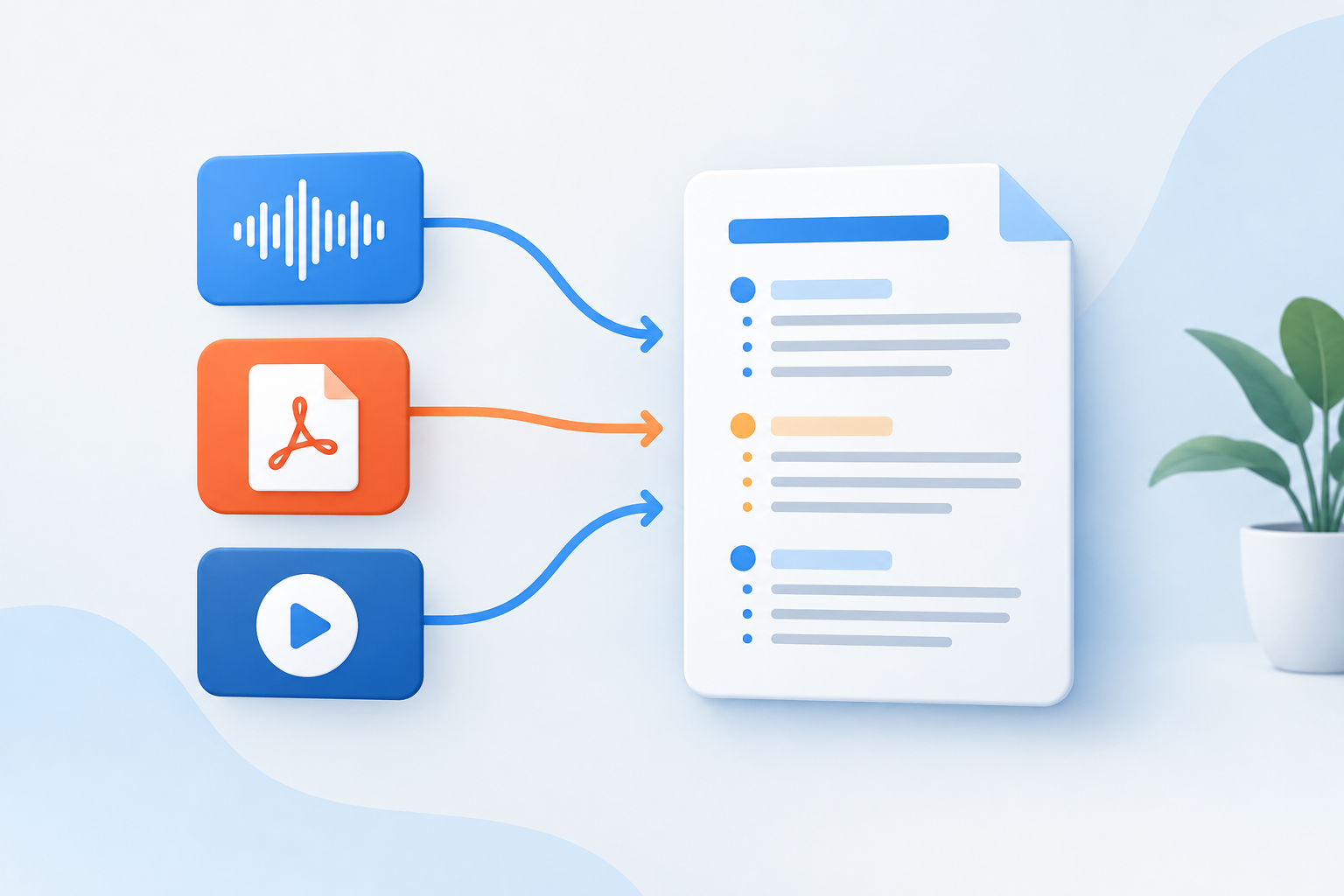
Modern ai notes platforms accept lecture recordings in MP3, MP4, and WAV formats, PDF documents including scanned textbooks, PowerPoint and Google Slides presentations, YouTube video links, and plain text documents. Each format requires a different preprocessing pipeline, but the core analysis steps remain consistent once content reaches text form.
Video processing extracts the audio track first, then routes it through the same transcription pipeline used for standalone audio files. PDF processing identifies text regions, tables, and figures separately, preserving the relationships between visual elements and surrounding explanatory text in the final notes output.
Comparing AI Notes Maker Categories
The term ai notes maker encompasses several distinct tool types, each optimized for specific workflows and source material types. Understanding these categories helps you match tool capabilities to your actual study tasks rather than settling for a single general-purpose platform that handles some scenarios well and others poorly.
| Tool Category | Primary Input | Best Use Case | Typical Output |
|---|---|---|---|
| Audio-focused taker | Lecture recordings, meetings | Live or recorded spoken content | Timestamped transcript with key points |
| Document summarizer | PDFs, articles, textbooks | Dense written material review | Condensed outline with definitions |
| Video note generator | YouTube, recorded lectures | Visual and audio content | Chapter-marked notes with screenshots |
| Multi-format platform | Audio, PDF, video, docs | Varied source types in one course | Unified notes library with search |
Study Slay functions as a multi-format platform, accepting lecture recordings, PDFs, YouTube videos, and documents, then generating notes, flashcards, and quizzes from each source. This integration matters when a single course pulls material from multiple formats, letting you build a unified study set rather than juggling separate tools for each content type.
How Does an AI Notes Summarizer Differ From a Full Generator?
An ai notes summarizer condenses existing text into shorter form by selecting the most important sentences from source material, while a full generator creates new explanatory text that reorganizes and synthesizes information. Summarizers preserve original phrasing and structure, making them faster but less adaptive to different learning styles or knowledge levels.
Choose a summarizer when you need rapid review of familiar material or want to skim a chapter before deeper reading. Choose a full generator when you need the content explained from scratch, reorganized by topic rather than following the source's original sequence, or enriched with definitions and examples not present in the original.
What Is an AI Notes Taker From Audio?
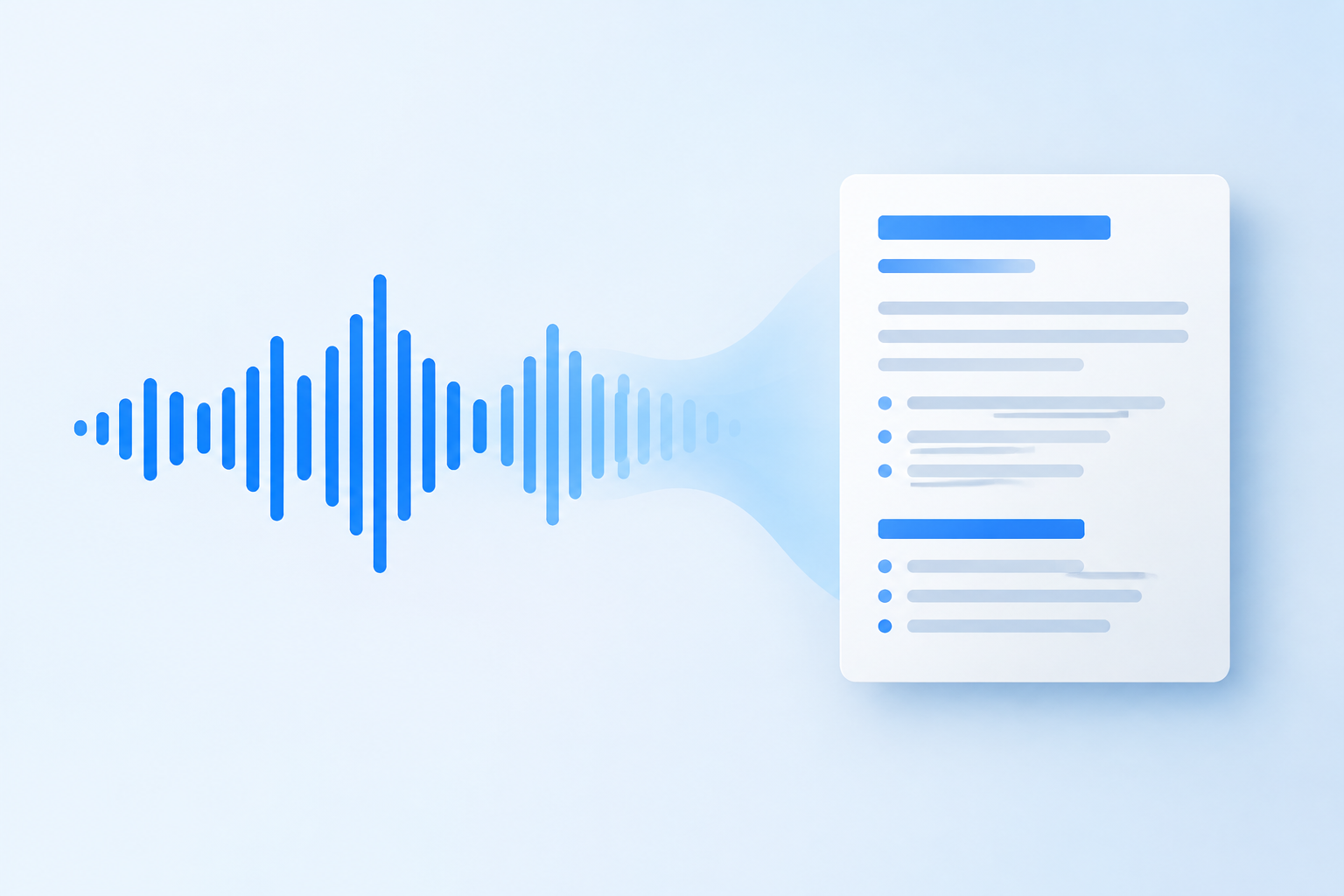
An ai notes taker from audio transcribes spoken content and applies content analysis to produce structured notes directly from recording files, eliminating the intermediate step of manual review. These tools handle background noise, multiple speakers, and technical terminology through trained acoustic and language models, producing readable notes even from recordings captured on smartphone microphones in noisy lecture halls.
The process begins with automatic speech recognition that converts audio waveforms into text with speaker identification and timestamps. The system then segments this transcript by topic shifts, identified through vocabulary changes and pause patterns, creating section breaks in the final notes. Keyword extraction highlights terms that appear frequently or are introduced with definitional phrasing like "this means" or "defined as."
How Accurate Are Audio-to-Notes Systems?
Accuracy for audio-to-notes systems depends on recording quality, speaker clarity, and domain-specific vocabulary coverage, with typical word error rates between 5% and 15% for clear academic lectures. Technical terminology in fields like organic chemistry or medical anatomy challenges generic transcription models, but platforms trained on educational content recognize common academic vocabulary patterns that general-purpose tools miss.
Review generated notes for term accuracy after the first few uses, especially for courses heavy in specialized vocabulary. Once you identify recurring transcription errors for specific terms, some platforms let you add custom vocabulary corrections that improve future transcriptions in that subject area.
Finding a Free AI Notes Generator That Meets Student Needs
A free ai notes generator typically imposes limits on monthly uploads, file size, or output length, but these constraints rarely block basic use for students managing three to five courses. Free tiers serve well for evaluating whether automated note generation fits your learning style before committing to a paid subscription, and many students find free limits sufficient for their entire semester if they prioritize which materials to process.
When comparing free options, check whether the limit applies to input size (minutes of audio or pages of PDF) or output features (access to quizzes or flashcards). Some platforms offer unlimited note generation but gate advanced study tools behind paid tiers, while others limit uploads but provide full feature access to generated content. Your study workflow determines which constraint matters more.
What Features Should You Expect in a Free Tier?
Expect free tiers to include basic note generation from at least one input format, usually PDF or audio, with modest monthly limits between 30 and 120 minutes of audio or 50 to 200 pages of document content. Look for export options so you can save generated notes outside the platform, ensuring you retain access to your study materials even if you switch tools later.
Study Slay provides access to its core features across multiple input types without restricting you to a single format, letting you experiment with lecture recordings, PDF chapters, and videos to discover which source type produces the most useful notes for your courses. Check current pricing details to see tier limits and decide whether free capacity meets your semester workload.
Specialized AI Notes Tools: Turbo, Read, Slack, Otter, and Notion
Several branded platforms dominate specific use cases within the broader ai notes category, each optimizing for a particular workflow or integration ecosystem. Understanding where these tools excel helps you build a study stack that leverages each platform's strengths without duplicating functionality.
What Does Turbo AI Notes Optimize For?
Turbo ai notes refers to systems emphasizing processing speed, often through cloud GPU acceleration that reduces wait time between upload and finished notes from several minutes to under 60 seconds. Speed matters most when you need notes immediately after a lecture to review during a study block that same afternoon, or when you're processing multiple recordings in quick succession during exam prep.
Fast processing trades off against depth of analysis in some implementations, producing lighter outlines rather than detailed explanatory notes. Use speed-optimized tools for initial review passes, then apply a more thorough generator to materials you'll return to multiple times throughout a semester.
How Do Read AI Notes Fit Into Meeting Contexts?
Read ai notes integrates with video conferencing platforms to automatically capture meeting and lecture content delivered through Zoom, Google Meet, or Microsoft Teams. This integration removes the manual step of starting a recording device, instead triggering note generation whenever you join a designated session, useful for students attending remote lectures or study groups.
Meeting-focused tools often add speaker attribution and action item extraction, features designed for workplace collaboration that add less value in traditional lecture contexts. Evaluate whether calendar integration and automatic triggering justify the platform choice over a general-purpose tool where you manually upload recordings.
When Should You Use Slack AI Notes?
Slack ai notes summarize threaded conversations and channel discussions within the Slack workspace, extracting decisions and key points from asynchronous team communication. For students, this applies primarily to group project coordination or study groups using Slack, where summarizing a long discussion thread helps members who missed real-time conversation catch up quickly.
This category solves a different problem than lecture or document note-taking, focusing on multi-person dialogue rather than single-source content. Use Slack-integrated tools only if your coursework genuinely involves substantial Slack-based collaboration; otherwise, they add little to your study toolkit.
What Makes Otter AI Notes Popular for Lectures?
Otter ai notes combines real-time transcription with collaborative editing, allowing you to highlight and comment on transcript sections during or immediately after a lecture. The platform's mobile app lets you record directly from your phone and access notes across devices, matching the workflow of students who attend lectures in person but review notes later on laptops or tablets.
Otter's strength lies in its transcription accuracy and live-follow-along view, where you see text appear as the speaker talks, making it valuable for accessibility or for students who benefit from reading along while listening. The trade-off is lighter automated summarization compared to platforms that prioritize note structure over transcript completeness.
How Do Notion AI Notes Integrate With Note Organization?
Notion ai notes embeds generative AI features inside the Notion workspace, letting you summarize existing note pages, generate study questions from your notes, or expand brief bullets into full paragraphs. This approach assumes you already maintain notes in Notion and want to enhance them with AI rather than starting from external source material.
If you already organize coursework in Notion databases, the native AI tools streamline your workflow by keeping all content in one environment. Students starting fresh or using other organization systems gain little from Notion-specific AI, since they'd need to migrate their entire note library to benefit from the integration.
How to Choose Between AI Notes Platforms
Select an ai notes platform by matching tool capabilities to your actual input formats and study workflows rather than choosing based on brand recognition or feature lists you won't use. Start by auditing one week of study sessions: which content types do you process most (audio recordings, PDF chapters, videos), how often do you need notes same-day versus next-day, and whether you study primarily on mobile or desktop.
If 80% of your material comes from lecture recordings and you review on your laptop, prioritize audio transcription accuracy and desktop note formatting over mobile editing or PDF annotation features. If your courses rely on dense textbook chapters, prioritize document processing and definition extraction over real-time transcription speed.
Should You Use Multiple AI Notes Tools?
Using multiple tools makes sense when different courses demand different input types and no single platform handles all formats equally well, but maintaining separate libraries fragments your study materials and adds cognitive overhead. Most students benefit more from a single multi-format platform that handles 90% of use cases adequately than from optimizing three separate tools for 100% performance in narrow scenarios.
The exception is when one course genuinely differs from your others, such as a single seminar-style class with discussion-based content while your other courses follow traditional lecture formats. In that case, a specialized tool for the outlier course alongside your main platform avoids forcing your primary tool to handle edge cases it wasn't designed for.
Integrating AI Notes Into Active Study Strategies
AI-generated notes serve as raw material for active study techniques rather than finished study guides you passively reread. The most effective use involves processing AI notes through retrieval practice, elaboration, and spaced repetition, transforming the generated outline into tested knowledge.
After generating notes from a lecture or chapter, use them to create flashcards that isolate individual concepts for retrieval practice. The notes provide the content structure, but flashcards force active recall, the mechanism that actually moves information into long-term memory. Study Slay automates this connection by generating both notes and flashcards from the same source material, letting you move directly from content capture to active practice without manual card creation.
How Can You Enhance AI-Generated Notes With Your Own Insights?
Enhance AI-generated notes by annotating them with personal examples, cross-references to other course material, and questions that arise during review, creating a layered document that combines automated content extraction with your own sense-making. This annotation transforms passive notes into an active learning artifact that reflects your evolving understanding.
Add a personal example for every major concept in the generated notes, linking abstract definitions to concrete instances from your experience or current events. These examples serve as retrieval cues during exams, helping you reconstruct the concept even if you temporarily forget the formal definition.
Common Challenges With AI Notes and How to Solve Them
Students encounter several recurring issues when adopting ai notes systems, most stemming from mismatched expectations about what automation can deliver or from poor source material quality that limits any tool's effectiveness.
Why Do Some Generated Notes Feel Too Generic?
Generic-feeling notes result when the source material itself lacks specific examples and concrete details, leaving the AI with only abstract statements to work with. A lecture that repeatedly uses vague language like "various factors" or "several approaches" produces notes with the same vagueness, because the generator can only work with what the source provides.
Improve note specificity by combining multiple sources. Generate notes from both the lecture recording and the assigned textbook chapter covering the same topic, then merge the outputs to create a richer document where the textbook's detailed explanations fill gaps left by the lecture's high-level overview.
What Should You Do When Technical Terms Are Transcribed Incorrectly?
Incorrect technical terms appear most often in specialized fields where course-specific vocabulary differs from common usage, such as "apoptosis" transcribed as "app ptosis" or "Michaelis-Menten" rendered as "Michael is mentin." Correct these systematically by scanning generated notes for unfamiliar or oddly spelled terms, comparing them against your course textbook's glossary or the lecture slides if available.
Build a personal correction list for each course, noting the correct spelling alongside common transcription errors. Some platforms accept custom vocabulary that improves transcription for future uploads, making this initial correction effort pay off across the entire semester.
FAQ: AI Notes for Students
Can AI notes replace attending lectures?
AI notes cannot replace lecture attendance because live sessions offer real-time question opportunities, non-verbal cues about concept importance, and social learning through peer discussion that no transcription captures. Use AI notes to enhance lecture review and fill gaps in your manual notes, not as a substitute for the live learning experience.
How long does it take to generate notes from a one-hour lecture?
Generating notes from a one-hour lecture typically takes between 3 and 10 minutes depending on the platform's processing speed and server load. Upload time adds another 1-3 minutes for large audio files on slower connections, making total time from upload to finished notes roughly 5-15 minutes for hour-long recordings.
Do AI notes work for non-lecture content like problem sets?
AI notes work poorly for problem sets because these materials require step-by-step solution processes rather than concept summarization. Problem-solving practice demands worked examples and procedural knowledge that note generators do not provide, making traditional practice and solution review more effective for quantitative coursework.
Are there privacy concerns with uploading course materials?
Privacy concerns exist when uploading course materials to any cloud service, particularly for proprietary textbook content or recordings where students may be identifiable by voice. Check your institution's academic integrity policy and the platform's terms of service to ensure uploaded content remains private and is not used to train models accessible to other users.
Can you use AI notes for group study sessions?
You can use AI notes for group study by generating notes from recorded study sessions, creating a shared reference document that captures the discussion for absent members and provides a review outline for the full group. This works best when one person poses questions and others provide detailed answers, giving the AI substantive content to structure into notes rather than fragmented conversation.
Moving From Notes to Mastery
The value of ai notes lies not in the documents themselves but in how quickly they free you to engage in proven learning strategies that actually build long-term retention. By automating the content capture and organization phases, these tools collapse the gap between consuming course material and practicing active recall, the step where real learning happens.
Study Slay bridges this gap by transforming your source materials into not just notes but also quizzes and flashcards, creating a complete study system from a single upload. Rather than treating note generation as the end goal, use it as the foundation for spaced repetition and retrieval practice that actually works.
Start with one course this week. Upload a recent lecture recording or dense PDF chapter to Study Slay's AI notes feature, generate the notes, then immediately convert those notes into flashcards for your next study session. Compare how much more content you process in that single session against your typical manual note review, and you'll see exactly how automated note generation compounds across a full semester of coursework.
Your study materials are waiting to be transformed. Turn your next lecture, PDF, or video into organized study content and reclaim the hours you've been spending on manual transcription and summarization.