note taker · 11 min read
AI Note Taker Apps: Which One Is Right for Your Classes?
Compare the top AI note taker apps, including Otter, Fathom, and student-focused solutions. Find the best note taker app for iPad, meetings, or lectures.
Published November 3rd, 2026 · Study Slay team

Finding the right note taker app can transform how you capture and retain information in lectures, meetings, and study sessions. With dozens of AI note taker options flooding the market, each promising smarter transcription and better organization, choosing the best fit for your workflow requires understanding what each tool does well and where it falls short.
This comparison walks through the leading AI note taker apps, from meeting-focused tools like Fathom and Otter to student-centric platforms, breaking down their features, strengths, and ideal use cases so you can pick the one that matches your actual needs.
What Makes an AI Note Taker App Effective?
An effective AI note taker app combines accurate real-time transcription with intelligent summarization that captures the core ideas without requiring you to edit heavily after the fact. Speed matters less than reliability: a tool that transcribes every word but buries the main points in noise forces you to do the work the AI should have handled.
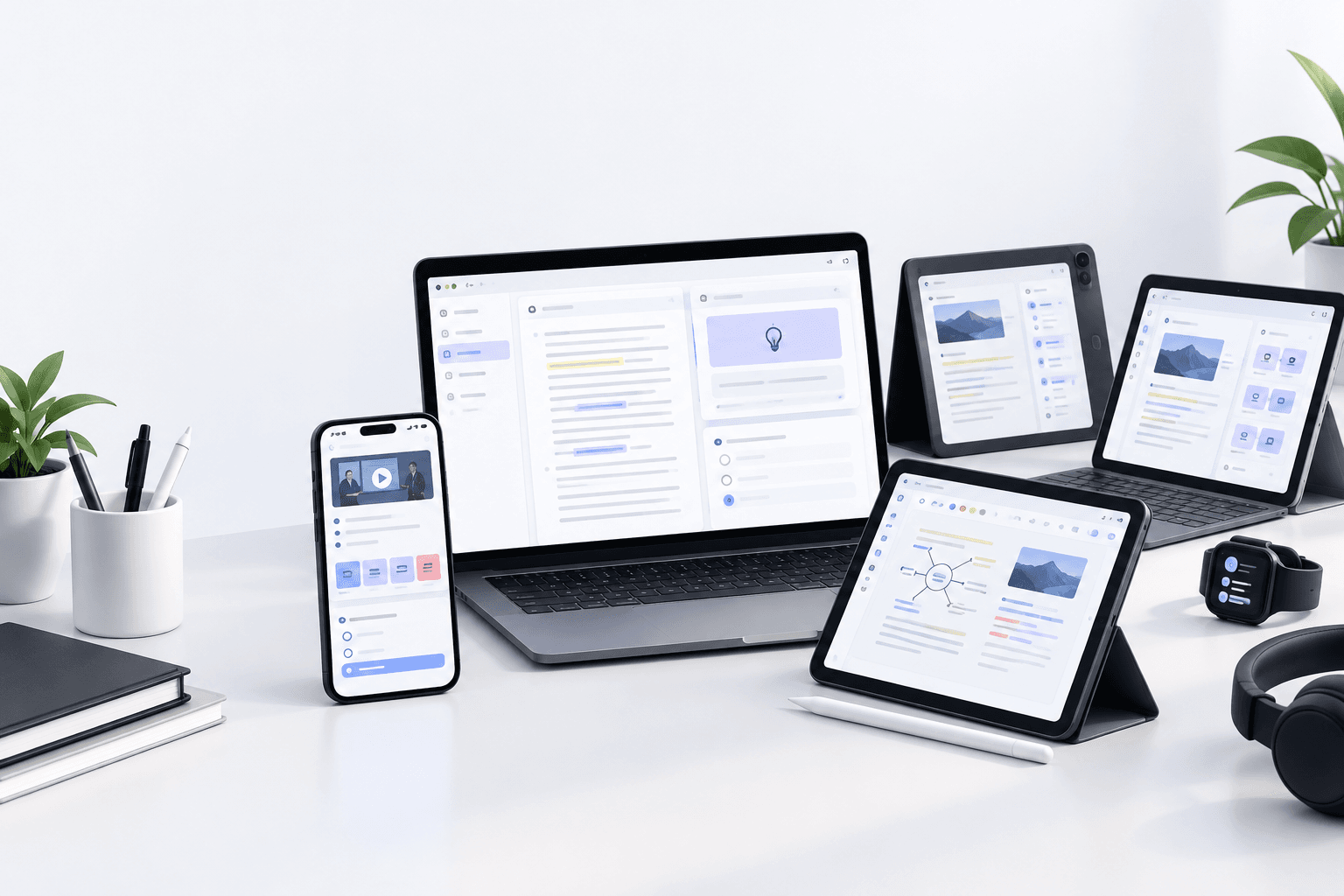
The best note taker tools also integrate seamlessly with the devices and platforms you already use, whether that means syncing across an iPad note taker app and desktop, embedding into Zoom or Google Meet, or accepting multiple input formats like PDFs, recordings, and live audio. The fewer steps between capturing content and studying from it, the more likely you are to actually use the tool consistently.
Otter AI Note Taker: Best for Meetings and Collaboration
Otter AI note taker excels at live meeting transcription and speaker identification, making it a favorite for team collaboration and business calls. It integrates directly with Zoom, Google Meet, and Microsoft Teams, joining calls automatically and generating searchable transcripts in real time.
Where Otter shines is collaborative note-taking: multiple participants can highlight key moments, add comments, and assign action items during the meeting itself. The free tier offers 300 monthly transcription minutes, which works for occasional lectures but runs out quickly if you attend multiple classes per week. The app's strength in business meetings becomes a limitation for students who need deeper study tools like flashcards or quiz generation, features Otter does not provide.
When Otter Falls Short for Students
Otter stops at transcription and summary, leaving students to manually convert notes into study materials. If your goal is to turn lecture content into flashcards, quizzes, or structured study guides, you will need a separate tool or spend time reformatting the transcript yourself, which defeats the purpose of automation.
Fathom AI Note Taker: Built for Sales and Client Calls
Fathom AI note taker is purpose-built for sales teams and client-facing professionals, offering automatic call summaries, highlight reels, and CRM integration. It records video meetings and generates action items, making it easy to follow up on commitments without rewatching the entire call.
For students, Fathom's feature set is overkill and off-target: you do not need CRM sync or deal-tracking when you are trying to memorize organic chemistry reactions. The tool also focuses heavily on video calls, so uploading a pre-recorded lecture or a PDF for note generation is not part of its core workflow.
Fireflies AI Note Taker: Meeting Transcription at Scale
Fireflies AI note taker automates meeting notes across multiple platforms, recording and transcribing calls while integrating with Slack, Notion, and project management tools. It offers unlimited transcription on paid plans, which appeals to heavy users who attend numerous virtual sessions.
The interface is designed for teams managing recurring meetings, not individuals studying for exams. Fireflies excels at archiving meeting libraries and surfacing past conversations by keyword, but it does not transform transcripts into flashcards, quizzes, or study-ready formats. Students looking for an AI notes generator that extends beyond transcription will hit a wall after the recording phase.
iPad Note Taker Apps: Handwriting Meets AI
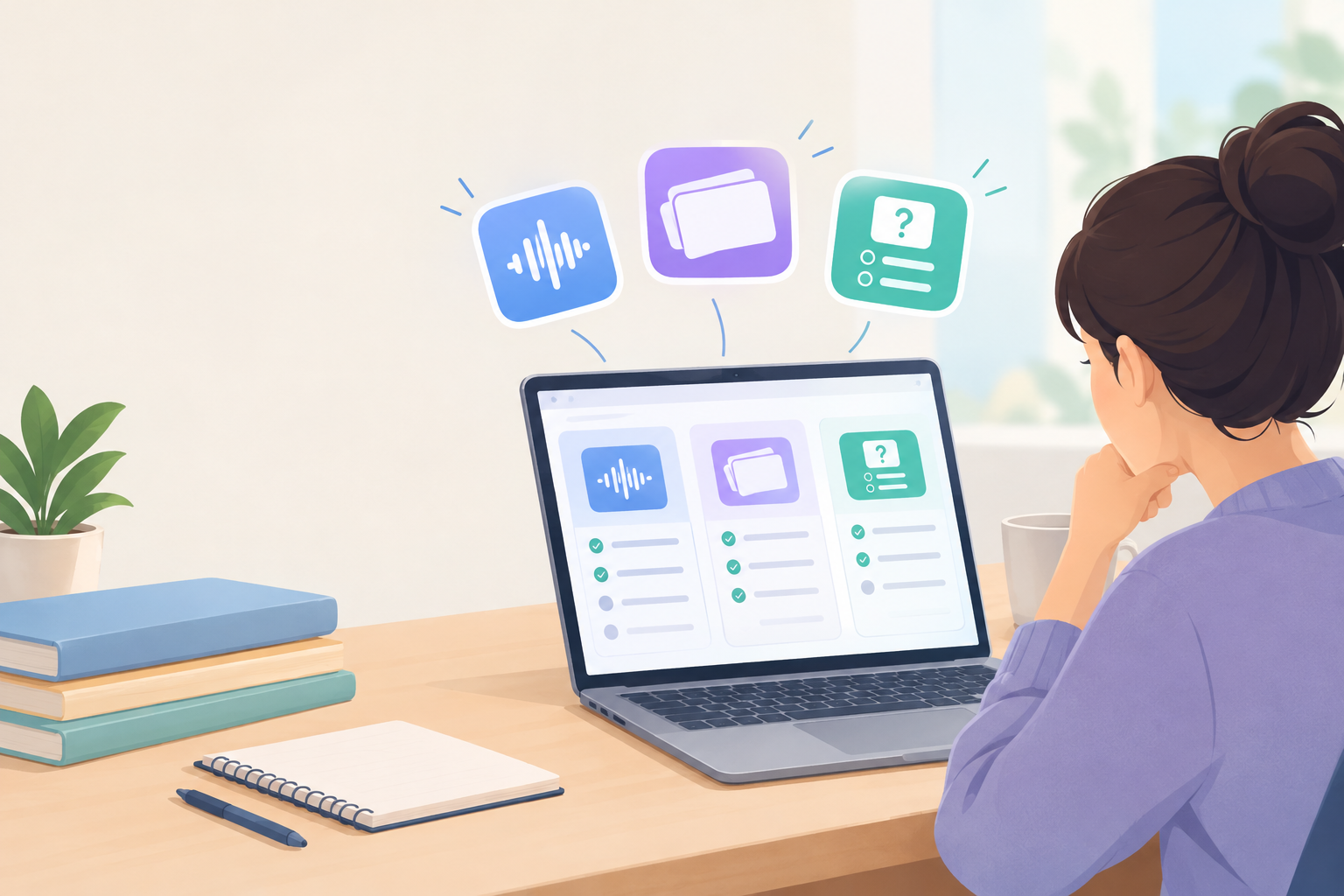
iPad note taker apps like GoodNotes and Notability combine handwritten notes with audio recording, syncing your Apple Pencil strokes to timestamped playback. This pairing is powerful for visual learners who sketch diagrams or annotate slides during class, then replay the lecture while reviewing their drawings.
However, these iPad note taker solutions focus on manual input and organization, not AI-driven summarization or automatic study material generation. You still write the notes yourself, and converting handwritten pages into searchable text or flashcards requires optical character recognition and third-party exports. If your priority is capturing lectures hands-free and generating study guides automatically, handwriting-first apps add friction rather than removing it.
Do iPad note taker apps support automatic transcription?
Most iPad note taker apps support audio recording but do not transcribe or summarize that audio automatically. You can play back what was said while reviewing your handwritten notes, but extracting text from the recording requires exporting to a separate transcription service, splitting your workflow across multiple tools.
Cornell Note Taker Apps: Structure Without Automation
Cornell note taker apps enforce the classic two-column format, dividing pages into cues, notes, and summary sections to encourage active review. This structure works well when you are taking notes manually and want a proven framework for organizing ideas.
The downside is that most Cornell note taker tools are templates, not AI engines: they give you boxes to fill in, but they do not fill them for you. If you are sitting in a fast-paced lecture or listening to a dense recording, typing into pre-formatted columns still demands full attention and rapid comprehension. An AI note taker that auto-generates structured summaries saves far more time than a blank Cornell template, especially when you can convert those summaries into flashcards and quizzes instantly.
How Do AI Meeting Note Takers Differ from Student-Focused Tools?
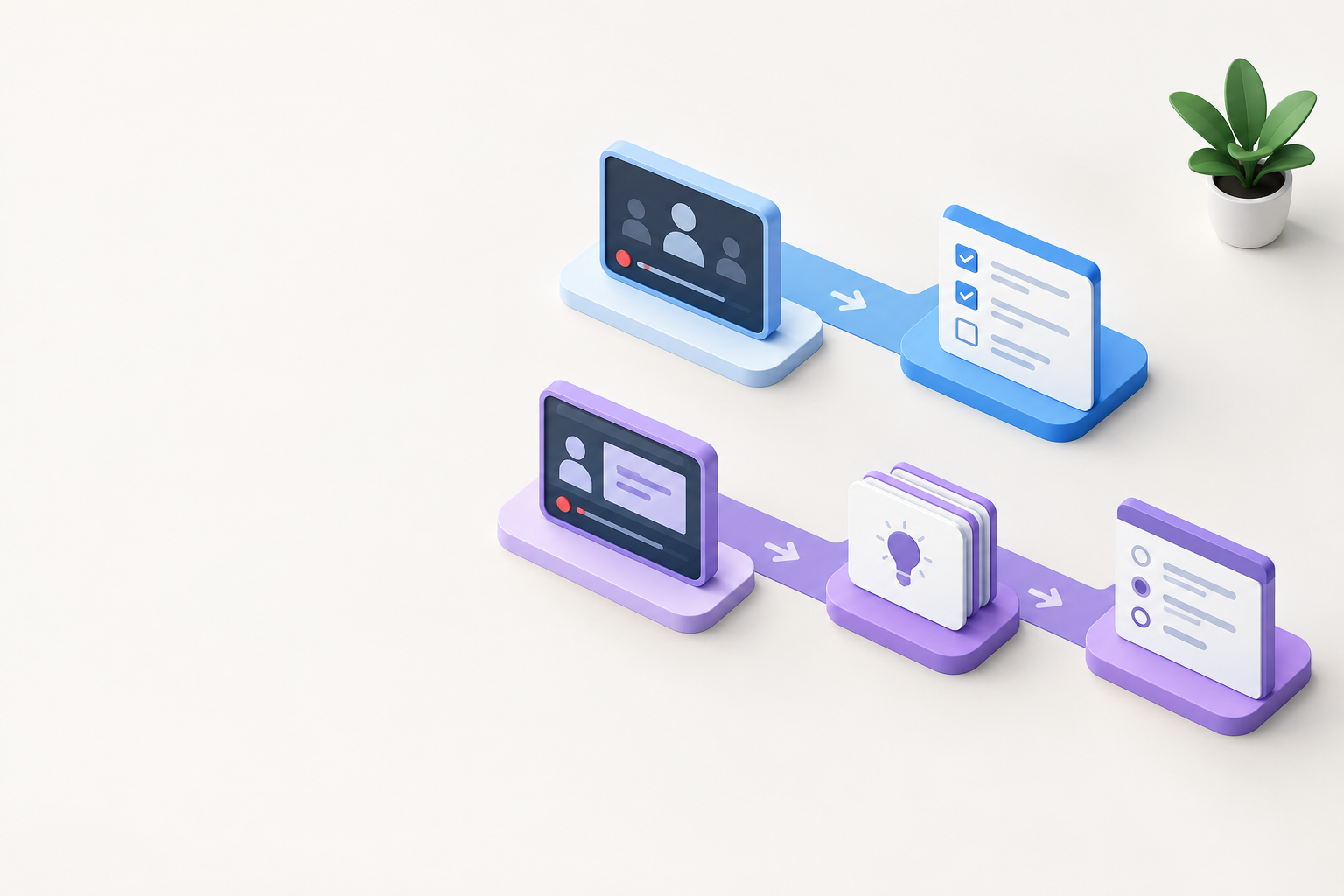
AI meeting note taker tools prioritize action items, speaker attribution, and CRM or project management integrations because their audience is professionals tracking client conversations and team decisions. Students need a different output: summaries that highlight core concepts, definitions, and testable facts, plus downstream features like flashcard generation and practice quizzes.
Meeting-focused tools stop after delivering a transcript and bullet-point summary, assuming you will use that information in a workflow tool like Asana or Salesforce. Student-focused AI note takers extend the pipeline all the way to active recall and spaced repetition, transforming raw lecture content into study-ready materials you can review on any device.
Comparison Table: AI Note Taker Apps at a Glance
| Tool | Best For | Transcription | Flashcards/Quizzes |
|---|---|---|---|
| Otter AI | Team meetings, collaboration | Yes, live and recorded | No |
| Fathom | Sales calls, CRM integration | Yes, video calls only | No |
| Fireflies | Meeting archives, team workflows | Yes, unlimited on paid plans | No |
| iPad note taker apps | Handwritten notes, diagrams | Audio recording, no auto transcription | No |
| Study Slay | Students, lecture-to-study pipeline | Yes, plus PDFs and YouTube | Yes, automatic generation |
What Should Students Prioritize in a Note Taker App?
Students should prioritize a note taker app that converts lectures into active study materials, not just static transcripts. The most valuable tools accept multiple input formats like live audio, pre-recorded lectures, PDFs, and YouTube videos, then generate structured notes, flashcards, and quizzes automatically so you spend more time learning and less time reformatting.
Cross-device sync is critical: your notes should be accessible on your phone during a commute, on your laptop while writing an essay, and on your tablet during group study sessions. A note taker that locks content into a single platform or requires manual exports creates friction every time you switch contexts. Look for tools that let you chat with your notes to ask follow-up questions, reinforcing understanding without hunting through pages of text.
Can a note taker app handle PDFs and textbook chapters?
Yes, some note taker apps accept PDF uploads and extract key concepts, summaries, and study materials from textbook chapters and course readings. This feature is especially useful when your course relies heavily on assigned readings rather than live lectures, letting you process dense academic text into digestible notes and practice questions without manual highlighting.
Study Slay: A Student-First AI Note Taker Alternative
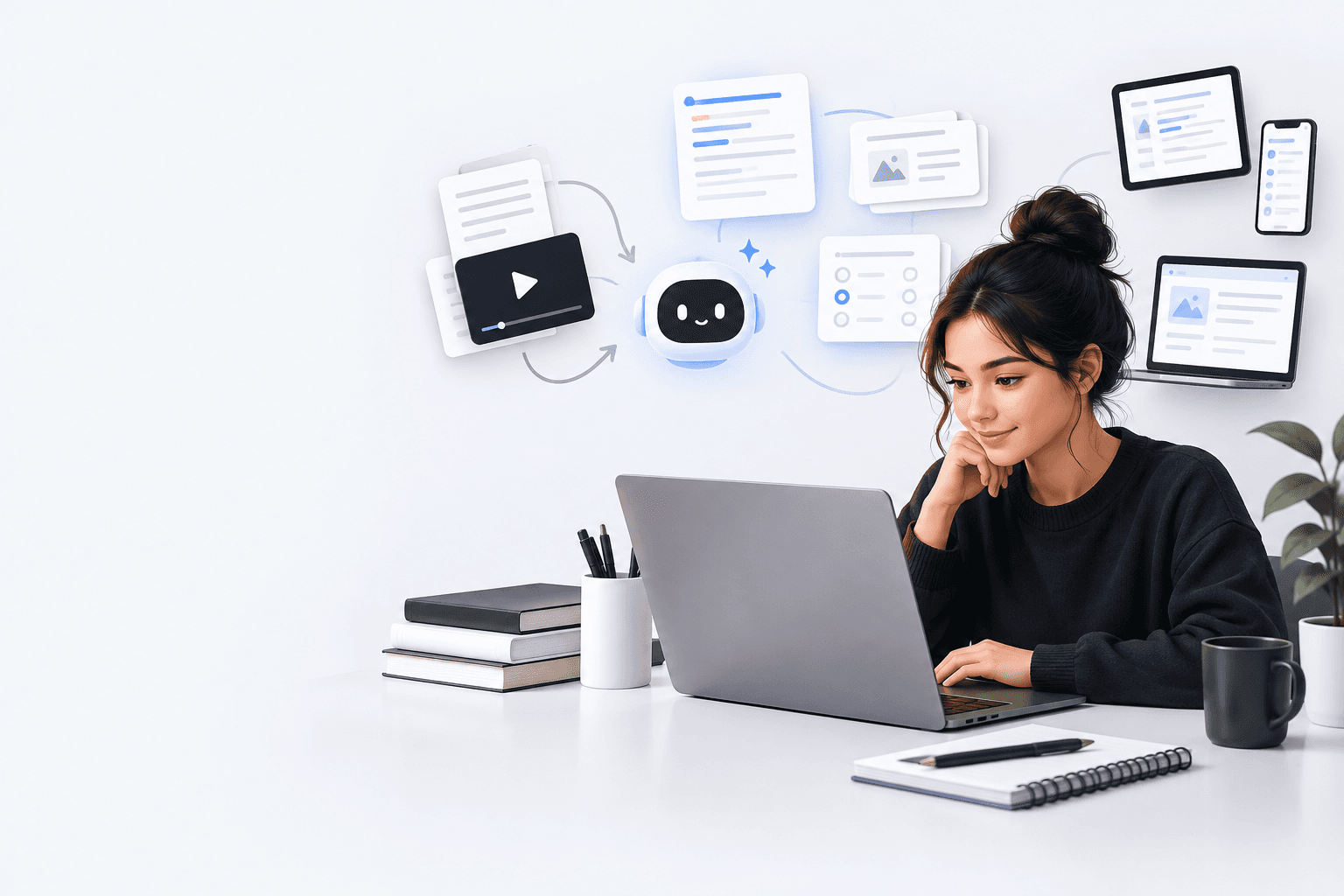
Study Slay is built specifically for students who need to move from raw content to active study tools in one streamlined workflow. Upload a lecture recording, paste a YouTube link, or drop in a PDF, and the platform generates structured notes, flashcards, and quizzes automatically, all synced across your devices.
Unlike meeting-focused AI note taker tools, Study Slay extends beyond transcription to help you actually learn the material. The built-in AI chat lets you ask clarifying questions about your notes, simulate exam scenarios, or explore topics deeper without leaving the app. For students juggling multiple classes and tight deadlines, this end-to-end approach eliminates the need to stitch together separate tools for recording, summarizing, and studying.

Which Note Taker App Works Best for Different Learning Styles?
Visual learners benefit most from iPad note taker apps that support handwritten diagrams and annotated slides, while auditory learners thrive with tools that transcribe lectures accurately and allow timestamped playback. Kinesthetic learners who retain information through practice perform best with note taker apps that generate quizzes and flashcards, turning passive review into active recall.
Read-write learners who process information by summarizing and rephrasing benefit from AI note takers that produce clean, organized summaries they can edit and expand. The best note taker app for you depends less on brand recognition and more on whether its output format aligns with how you actually study and retain information.
How do I know if an AI note taker is accurate enough for technical subjects?
Test the tool with a sample lecture from your hardest class, ideally one heavy on terminology, formulas, or domain-specific jargon. An accurate AI note taker will correctly transcribe technical terms, preserve numerical data, and maintain the logical flow of complex explanations without garbling key concepts into nonsense.
Free vs. Paid Note Taker Apps: What You Get at Each Tier
Free tiers of popular AI note taker apps typically limit monthly transcription minutes, restrict the number of uploads, or lock advanced features like speaker identification and custom summaries behind a paywall. Otter offers 300 minutes per month on the free plan, which sounds generous until you record three hour-long lectures per week and hit the cap halfway through the month.
Paid plans remove transcription limits and add features like unlimited storage, priority processing, and integrations with productivity tools. For students, the real question is whether the paid tier includes study-specific features like flashcard generation and quizzes, or simply more of the same transcription capacity. A tool that charges for extra meeting minutes but does not help you study more effectively is solving the wrong problem.
Frequently Asked Questions
What is the best AI note taker app for college students?
The best AI note taker app for college students is one that transforms lectures, readings, and videos into structured notes and active study materials like flashcards and quizzes, not just transcripts. Tools designed for students offer features like multi-format input, cross-device sync, and AI chat to reinforce learning, rather than stopping at meeting summaries.
Can I use an AI note taker app offline?
Most AI note taker apps require an internet connection to process transcription and generate summaries, since the heavy lifting happens on cloud servers. Some iPad note taker apps allow offline handwriting and audio recording, but transcription and AI features activate only when you reconnect, syncing your captured content for processing.
Do AI meeting note takers work for lecture recordings?
AI meeting note takers can transcribe lecture recordings, but they often lack the study-focused features students need, such as automatic flashcard generation or quiz creation. These tools are optimized for extracting action items and speaker insights from business calls, not for helping you memorize course material or prepare for exams.
Is an iPad note taker app better than a laptop tool?
An iPad note taker app is better for students who prefer handwriting, sketching diagrams, or annotating slides with an Apple Pencil, while laptop tools excel at typing speed and seamless integration with web-based platforms. The best choice depends on your note-taking style and whether your classes emphasize visual content or text-heavy lectures.
How much does a good note taker app cost?
A good note taker app ranges from free with limited features to premium plans that vary widely by provider. Free tiers often cap monthly usage or restrict advanced features, while paid options remove limits and add study-specific tools, making them worthwhile for students with heavy course loads or technical subjects.
Making the Final Choice: Match the Tool to Your Workflow
Choosing the right note taker app comes down to whether the tool fits your actual study routine and output needs, not just its brand name or feature count. Meeting-focused AI note takers like Otter, Fathom, and Fireflies deliver polished transcripts and summaries but leave you on your own when it comes to turning those notes into study materials.
If your goal is to move efficiently from lectures and readings to active recall and exam prep, a student-focused platform that generates flashcards, quizzes, and searchable summaries in one place will save you hours every week. Try Study Slay to see how an AI note taker built for learning, not meetings, changes the way you study and retain course material across every class.