ai flashcard maker · 13 min read
AI Flashcard Maker: How to Create Smart Study Cards from Any Source
Learn how to use an ai flashcard maker to turn lectures, notes, and PDFs into study cards in minutes. Compare tools, features, and methods for faster retention.
Published October 28th, 2026 · Study Slay team

An ai flashcard maker transforms your study materials into active recall exercises faster than manual card creation, letting you spend more time testing yourself and less time formatting. You upload your source, the tool extracts key concepts, and you review generated cards that reflect the original material's structure and terminology.
This guide walks through the exact steps to generate flashcards from lectures, PDFs, notes, and other sources using AI, compares tool capabilities, and shows you how to refine results for better retention. Whether you are working from typed notes or a scanned textbook chapter, the process follows a consistent workflow that saves hours per study session.
What Is an AI Flashcard Maker?
An ai flashcard maker is software that parses text, audio, or video content and generates question-and-answer pairs automatically. It identifies definitions, relationships, and testable facts, then formats them as digital flashcards you can review on any device. Most tools use natural language processing to distinguish between main ideas and supporting details, prioritizing the former when building card decks.
The best implementations let you edit generated cards, add images, and adjust difficulty. They also track your progress with spaced repetition algorithms, showing harder cards more frequently until you demonstrate mastery. This combination of automation and adaptive review is why students report faster prep times without sacrificing test performance.
Why Use AI to Create Flashcards Instead of Manual Entry?
Manual flashcard creation takes between five and ten minutes per card when you include rewriting content, fixing typos, and deciding which facts to isolate. An ai flashcard maker from notes completes the same task in under a minute per card, often generating entire decks from a single upload. Speed matters when you are preparing for multiple exams in the same week or working through dense technical material.
AI also reduces cognitive load during the creation phase. You review and refine rather than starting from a blank template, which means you can focus on understanding the material instead of formatting. For lecture recordings or long PDF chapters, this shift turns a two-hour manual chore into a fifteen-minute editing session.
Step 1: Choose Your Source Material
Identify the document, recording, or notes you want to convert. The most common sources are lecture transcripts, PDF textbook chapters, typed class notes, YouTube videos, and uploaded audio files. Each format works, but text-based sources yield faster results because AI does not need to transcribe spoken words first.
If you are starting with a recording, check that the audio quality is clear enough for accurate transcription. Background noise and overlapping voices reduce transcription accuracy, which in turn affects flashcard quality. For video content, tools that support YouTube links save you the step of downloading and re-uploading files.

Step 2: Upload or Paste Your Content
Navigate to your chosen tool and locate the upload interface. Most platforms accept drag-and-drop file uploads, direct text paste, or URL input for video links. If you are using Study Slay's flashcard feature, you can upload PDFs, paste notes, or link lecture recordings in a single workflow.
For PDF chapters, ensure the file is text-based rather than a scanned image. Scanned PDFs require optical character recognition, which adds processing time and occasional misreads. If your textbook is scanned, use a separate OCR tool first or choose an ai flashcard maker that includes OCR in its pipeline.
Step 3: Select Flashcard Generation Settings
Configure how many cards you want and which content sections to prioritize. Some tools let you specify card count, while others generate as many as the source material supports. You can often toggle between definition-style cards, question-and-answer pairs, or fill-in-the-blank formats depending on how you prefer to study.
If the tool offers difficulty levels, start with intermediate. Beginner settings may create overly simple cards that skip nuance, while advanced settings can produce cards so granular they feel like trivia rather than concept review. Adjust after you see the first batch.
How Does AI Extract Key Concepts from Text?
Natural language processing models scan for sentence structure patterns that signal definitions, cause-effect relationships, lists, and comparisons. When the model identifies a term followed by a verb like "is," "refers to," or "means," it flags that phrase as a potential flashcard front. The explanation becomes the back.
The system also weighs term frequency and context. A word appearing multiple times in varied sentences likely represents a core concept, so the tool prioritizes it over one-off mentions. This is why an ai flashcard maker from text consistently captures the same high-value facts a human would manually select, but in a fraction of the time.
Step 4: Review and Edit Generated Cards
Open the generated deck and read each card for accuracy and clarity. AI sometimes combines two distinct facts into one card or splits a single idea across multiple cards. Merge or separate as needed so each card tests one discrete piece of information.
Check that questions are unambiguous. If a card asks "What is the process?" without naming which process, add the topic name to the front. Similarly, if the answer is a long paragraph, condense it to the core sentence. Shorter answers are faster to recall under test conditions.
| Editing Task | Why It Matters | Typical Time |
|---|---|---|
| Remove duplicate cards | Avoids redundant review | 2 minutes per deck |
| Clarify vague questions | Prevents confusion during recall | 5 minutes per deck |
| Shorten long answers | Speeds up review sessions | 3 minutes per deck |
| Add context to isolated facts | Links concepts for deeper retention | 4 minutes per deck |
Can You Add Images to AI-Generated Flashcards?
Most platforms let you upload images or paste image URLs into individual cards after generation. An ai flashcard maker with pictures enhances retention for visual subjects like anatomy, geography, or architecture. You can also use diagrams, charts, or screenshots from your original source material.
When adding images, place them on the question side if you want to test recognition, or on the answer side if the image serves as explanation. For example, a card testing muscle names would show the diagram on the front, while a card explaining a process would show the flowchart on the back. This placement strategy aligns with how you will use the card during review.

Step 5: Organize Cards into Decks
Group related cards into topic-based decks so you can review one subject at a time. Most tools auto-generate a single deck per upload, but you can split it manually if your source covered multiple chapters or themes. Label each deck with the course name, chapter number, or exam date for easy retrieval.
Keep deck sizes between twenty and fifty cards. Larger decks take too long to review in one session, while smaller decks fragment your study routine. If a single source generates more than fifty cards, create sub-decks by subtopic rather than reviewing everything at once.
How to Generate Flashcards from Lecture Recordings
Upload the audio or video file to a tool that transcribes and generates flashcards in sequence. The platform first converts speech to text, then applies the same extraction logic used for typed notes. This two-step process means lecture-based decks take slightly longer to generate than text-based ones, but the workflow remains hands-off.
Review the transcription for accuracy before finalizing cards. Homophones and technical jargon sometimes transcribe incorrectly, which cascades into wrong flashcard content. If you spot transcription errors, correct them in the text view, then regenerate the deck. Study Slay automates this process by handling transcription and card generation in one upload.
What Makes a Free AI Flashcard Maker Worth Using?
A free ai flashcard maker is worth using when it imposes reasonable limits without blocking core features. Look for tools that allow at least ten to twenty cards per upload, support multiple file types, and do not watermark your decks. Free tiers that cap total deck count or restrict exports often force you to delete old material to make room for new, which disrupts long-term review.
Avoid free tools that require you to make all decks public or share your uploads. Privacy matters when you are uploading copyrighted textbook chapters or proprietary lecture notes. Check the terms before uploading, and choose platforms that let you keep study materials private even on the free plan.
Comparing AI Flashcard Maker Features
Different platforms prioritize different workflows. Some excel at PDF parsing, others at video transcription, and a few integrate with note-taking apps. The table below compares the most common feature categories so you can match tool strengths to your study habits.
| Feature | Why It Helps | Best For |
|---|---|---|
| PDF upload with OCR | Handles scanned textbooks | Students using older textbooks |
| Video URL support | Converts YouTube lectures directly | Online course learners |
| Spaced repetition scheduling | Optimizes review timing | Long-term retention goals |
| Image embedding | Supports visual subjects | Anatomy, geography, art history |
| Multi-device sync | Review anywhere | Commuters and mobile learners |
How to Use an AI Flashcard Maker from Notes You Already Have
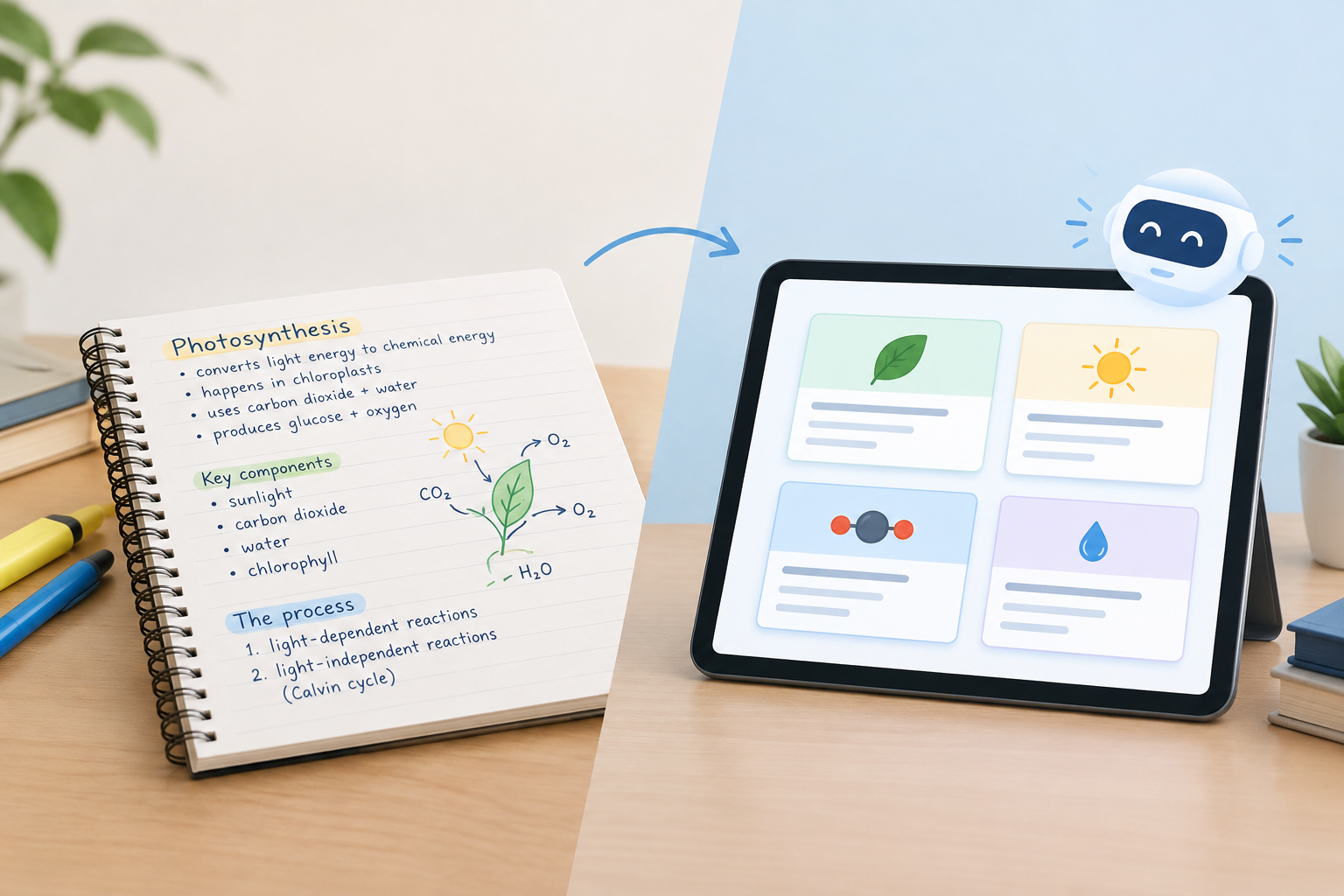
Copy your typed or handwritten notes into a plain-text document, then upload or paste them into the tool. The ai flashcard maker from notes works best when your notes are organized with clear headings and bullet points, because the AI uses that structure to identify topic boundaries.
If your notes are handwritten, snap photos and use an OCR app to convert them to text first. Once digitized, the generation process is identical to typed notes. Clean up obvious OCR errors before uploading to avoid cards built on misread words.
Should You Edit Flashcards Before or After Your First Review?
Edit immediately after generation, before your first review session. Cards with vague questions or bloated answers waste time during review, and fixing them mid-session breaks your focus. A ten-minute editing pass up front saves you from repeatedly skipping or misinterpreting poorly worded cards.
However, if you spot a clarity issue during review, pause and fix it right then. Do not defer the edit, because you will encounter the same problem in the next session. Most tools let you edit inline without exiting review mode, so the interruption costs only seconds.
Using Spaced Repetition with AI-Generated Flashcards
Spaced repetition algorithms schedule each card based on how well you recall it. Cards you answer correctly appear less frequently, while missed cards return sooner. This method reduces total review time by focusing effort on material you have not yet mastered, making it the most efficient way to use any flashcard deck.
Enable spaced repetition in your tool's settings if it is not on by default. Some platforms require you to rate each answer as easy, medium, or hard, while others track only correct versus incorrect. Either approach works, but manual rating gives you finer control over review intervals. Retrieval practice combined with spacing produces measurably better exam scores than massed review.
How Often Should You Review AI-Generated Flashcards?
Review new decks daily for the first week, then switch to the intervals your spaced repetition algorithm suggests. Initial daily sessions encode the material into working memory, while the algorithm takes over once you demonstrate baseline recall. If you skip the first week of daily review, you will spend more total time relearning cards that never moved into long-term memory.
Can You Combine Multiple Sources into One Flashcard Deck?
Yes, and combining sources often improves deck quality by filling gaps each individual source leaves. Upload your lecture notes, textbook chapter, and any supplementary readings separately, then merge the generated decks. Remove duplicate cards and keep the clearest version of any overlapping content.
Common Mistakes When Using an AI Flashcard Maker
The most common mistake is accepting every generated card without review. AI occasionally misinterprets context, combines unrelated facts, or extracts trivial details. A five-minute scan catches these errors before they enter your study routine.
Another frequent error is uploading low-quality source material. If your notes are incomplete, your flashcards will be too. AI amplifies the quality of your input, so investing time in clear, organized notes pays off when you generate cards. Similarly, avoid uploading overly broad sources like entire textbooks in one file. Break content into chapter-sized chunks so the tool can focus extraction on a coherent topic.
Integrating AI Flashcards into Your Study Routine
Schedule flashcard review at consistent times each day, ideally in short fifteen-to-twenty-minute blocks rather than hour-long marathons. Shorter sessions maintain focus and fit more easily into gaps between classes or during commutes. Study Slay syncs across devices, so you can start a session on your laptop and finish it on your phone without losing progress.
Pair flashcard review with other active study methods like practice problems or teaching the material to someone else. Flashcards build recall speed, but applying concepts in varied contexts deepens understanding. Use cards to lock in definitions and facts, then move to application exercises once you can answer cards consistently.
FAQ: AI Flashcard Maker Questions
What is the best ai flashcard maker for students on a budget?
The best ai flashcard maker for students on a budget offers unlimited card generation, supports multiple file types, and includes spaced repetition without requiring a paid subscription. Study Slay provides these features with no deck limits, letting you generate flashcards from lectures, PDFs, and notes without hitting paywalls or export restrictions.
Can an ai flashcard maker work with handwritten notes?
An ai flashcard maker can work with handwritten notes if you first convert them to digital text using optical character recognition. Photograph your notes with a scanning app, export the OCR text, then upload that text to the flashcard tool. The AI processes the digitized content the same way it handles typed notes, generating cards based on the extracted concepts.
How accurate are AI-generated flashcards compared to manual ones?
AI-generated flashcards match or exceed manual accuracy when the source material is clear and well-structured, but they require a brief editing pass to catch context errors. The AI reliably identifies definitions and key facts, while humans sometimes miss important details when manually creating cards. A quick review combines the speed of automation with the judgment of manual curation.
Do AI flashcard makers support languages other than English?
Most modern AI flashcard makers support dozens of languages, processing and generating cards in the same language as your source material. Upload content in Spanish, French, Mandarin, or any other major language, and the tool will extract concepts and create cards without translation. Check your chosen platform's language list to confirm support for less common languages before uploading.
Can you share AI-generated flashcard decks with classmates?
You can share AI-generated flashcard decks with classmates if your tool includes sharing or export features. Some platforms generate a share link, while others let you export decks as files your classmates can import. Sharing decks helps study groups cover more material faster, since each member can generate cards from different sources and then pool the results for comprehensive review.
AI flashcard generation removes the busywork from active recall, letting you focus on the study method that consistently outperforms passive rereading. Upload your next lecture recording or PDF chapter to Study Slay's AI notes and flashcard tool, review the generated deck once for accuracy, and you will have a spaced repetition schedule running within ten minutes. The time you save on card creation goes directly into additional review cycles, which means better retention and higher exam scores without extending your total study hours.